Stop checking Merchant Center for disapprovals by hand
Connect via OAuth and get a live dashboard plus scheduled email reports on every approved, disapproved and pending product — across all your accounts.
Automated reports on your Google Merchant Center product approval status. Get scheduled email reports with a full breakdown of approved, disapproved, and pending products across all your accounts.
Your data never leaves your browser
Everything runs 100% client-side. Your CSV files and API responses are processed locally and never sent to any server. We have no access to your data — not even technically.
About this tool
Are you manually checking Google Merchant Center for disapproved products? This tool gives you a live dashboard and scheduled email reports with a complete breakdown of your product approval status.
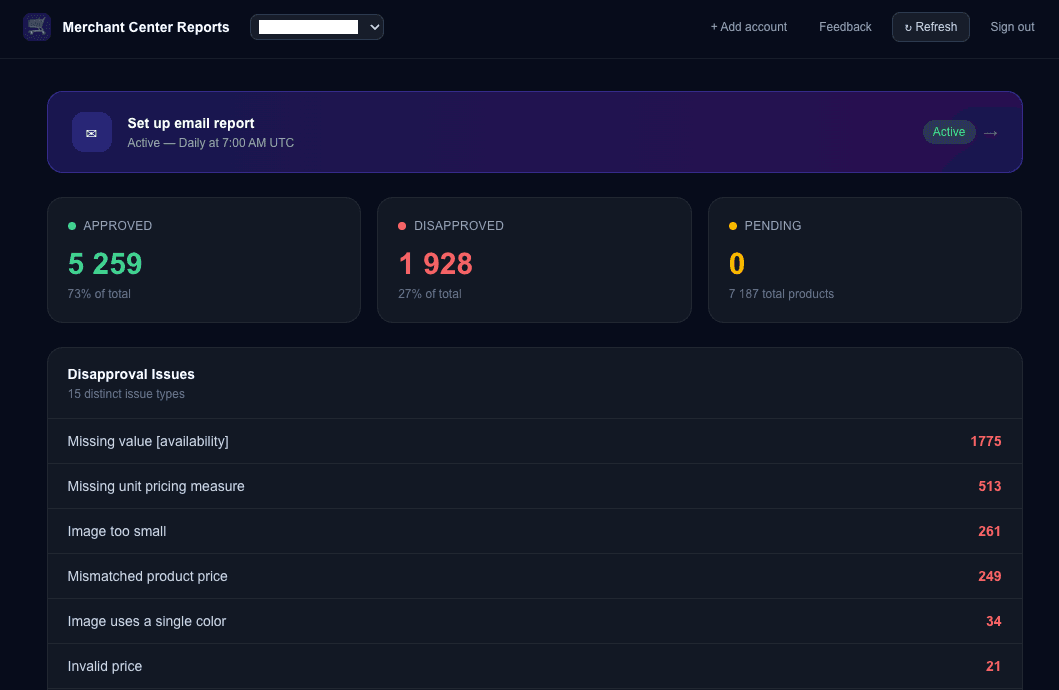
After purchase, connect your Google Merchant Center account with one click (OAuth). The dashboard instantly shows how many products are approved, disapproved, or pending — with a detailed list of all issues.
Set up automated email reports — daily, weekly, or monthly — and choose whether to include all your accounts or just specific ones. Each email contains an overview table with product counts per account and a disapproval reasons breakdown, so you know exactly what to fix first.
Support for multiple Merchant Center accounts under one subscription — ideal for agencies managing multiple clients.
Need real-time alerts when disapprovals spike? Add the Merchant Center Control Script for threshold-based monitoring with email notifications.
What's included
- One-click Google Merchant Center connection (OAuth)
- Live dashboard with product approval status
- Scheduled email reports: daily, weekly, or monthly
- Choose specific accounts or report on all at once
- Product status summary: approved, disapproved, pending
- Disapproved products categorized by issue type
- Support for multiple Merchant Center accounts
- On-demand report refresh in dashboard
- Issue filtering and paginated product list
- 365-day access from date of purchase
Who is this for
Frequently asked questions
How do I get access after payment?
Immediately after payment you receive an email with a magic link. Click it to open your dashboard, connect your Merchant Center account, and set up your report preferences.
How does the Google Merchant Center connection work?
You click 'Connect Account' in the dashboard and authorize access via Google OAuth. We only request read-only access to your product statuses — we never modify your feed.
Can I connect multiple Merchant Center accounts?
Yes. You can connect as many accounts as you need. All accounts are included in the dashboard and you can choose which ones to include in email reports.
How often are reports sent?
You choose: daily, weekly (every Monday), or monthly (1st of the month). Reports are sent automatically at 7:00 AM UTC. You can change the frequency or disable reports anytime.
What information is in the email report?
Each email report includes: a table with all your accounts showing product counts (total, active, disapproved, pending), and a disapproval reasons table listing the most common issues per account.
Can I choose which accounts are in the email report?
Yes. In the Report settings you can select 'All accounts' or pick specific ones. This is useful if you only want to monitor certain clients.
Can't find what you need?
We've spent 20+ years building companies, data pipelines, marketing systems, and reporting tools. If you have a specific challenge — reach out. We might already have a solution.
No subscription. Pay once. 365-day access.
7-day money-back guarantee. If the tool doesn't work as described, we'll refund you in full.
Related tools
Shoptet Inventory Report
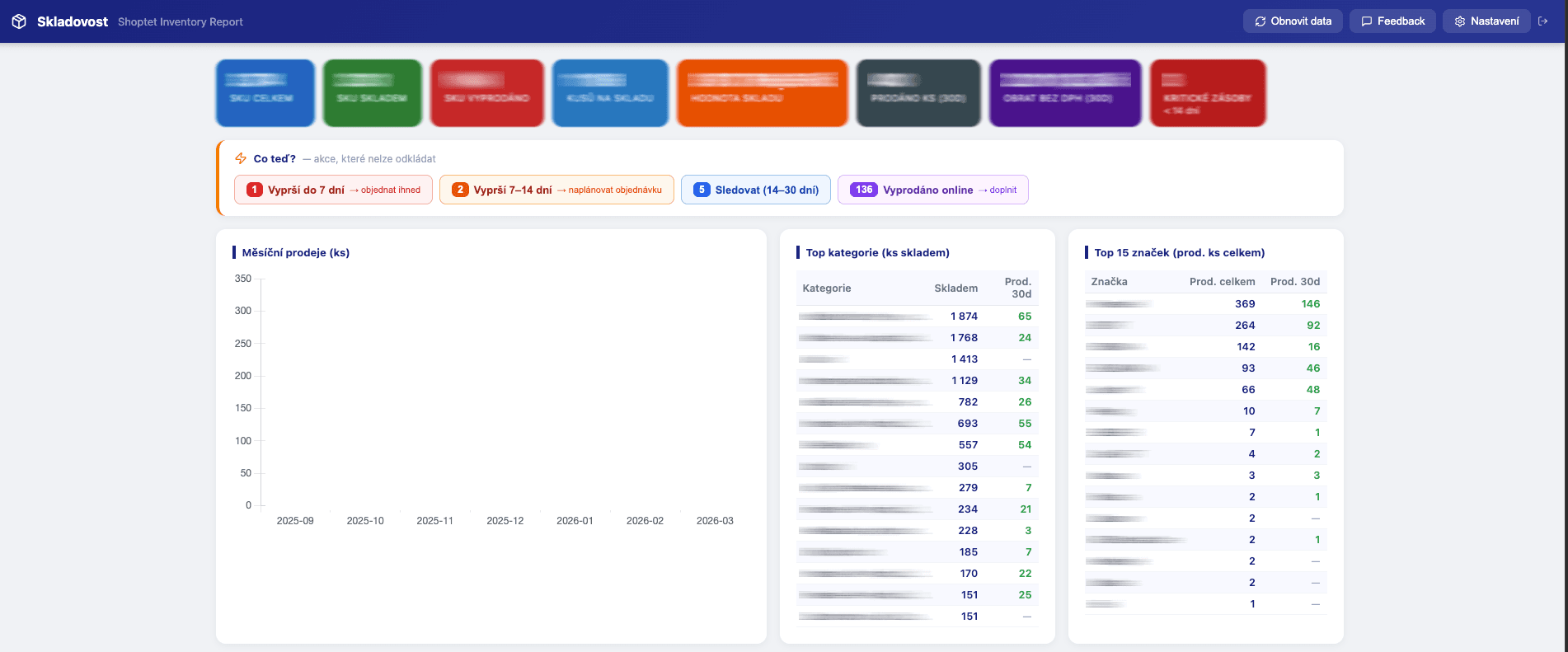
Inventory report for Shoptet e-shops. Stockout forecasts, restock recommendations, ABC analysis, dead stock and demand checks — straight from your Shoptet export URLs.
Merchant Center Control Script
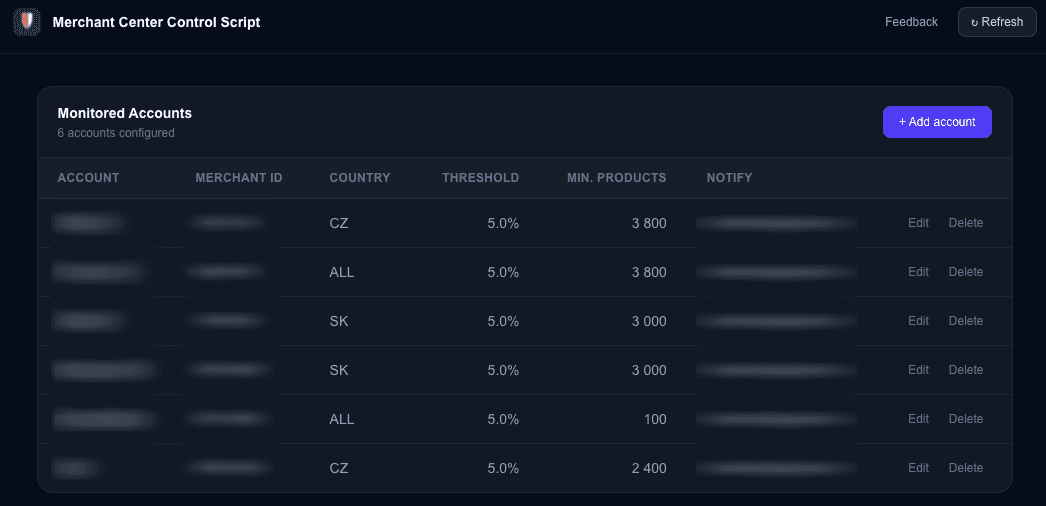
Monitor your Google Merchant Center product approval status. Get alerted when disapproval rates exceed your thresholds or product counts drop below minimum.
GMC Product Labeler
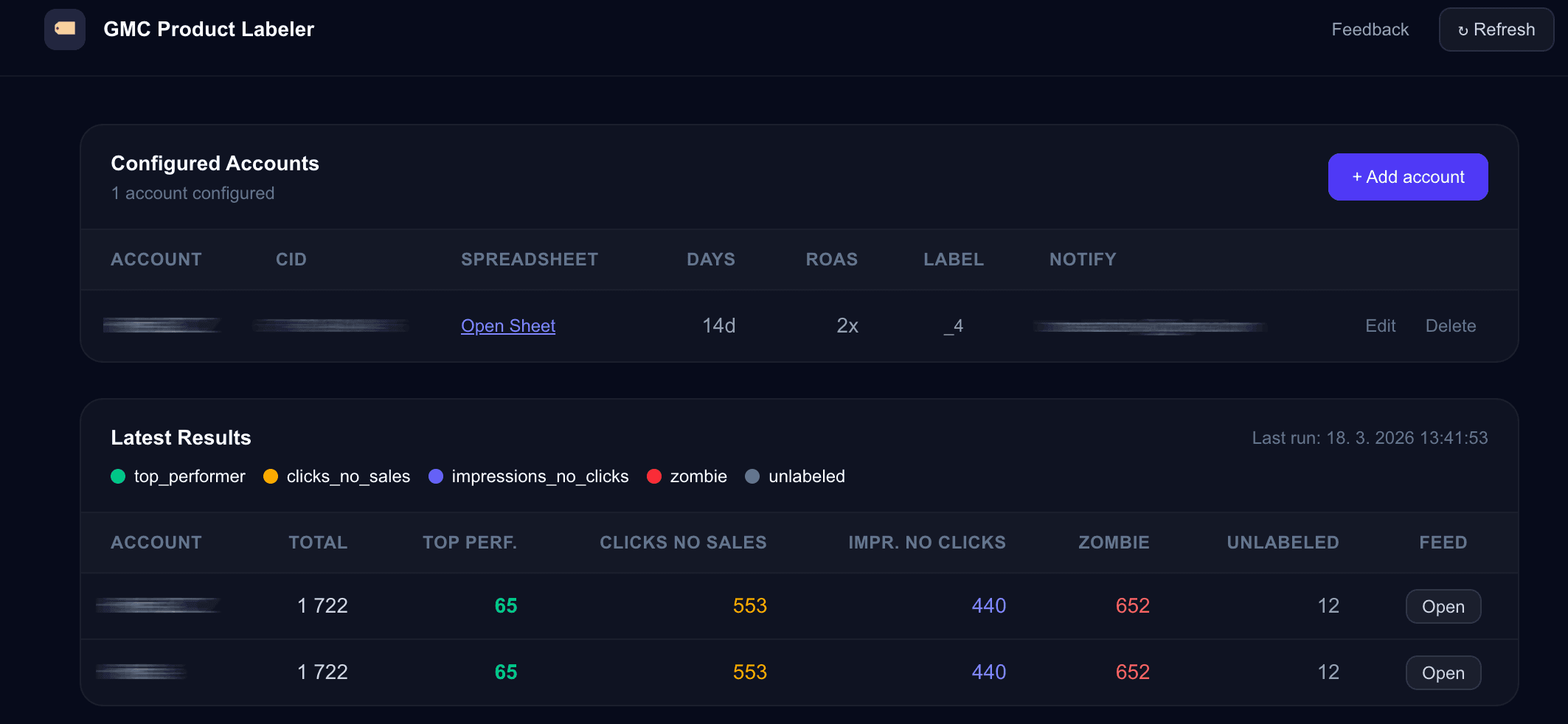
Automatic product labeling for Google Merchant Center. Classify products as top performers, clicks-no-sales, impressions-no-clicks, or zombies — and push labels to your supplemental feed.
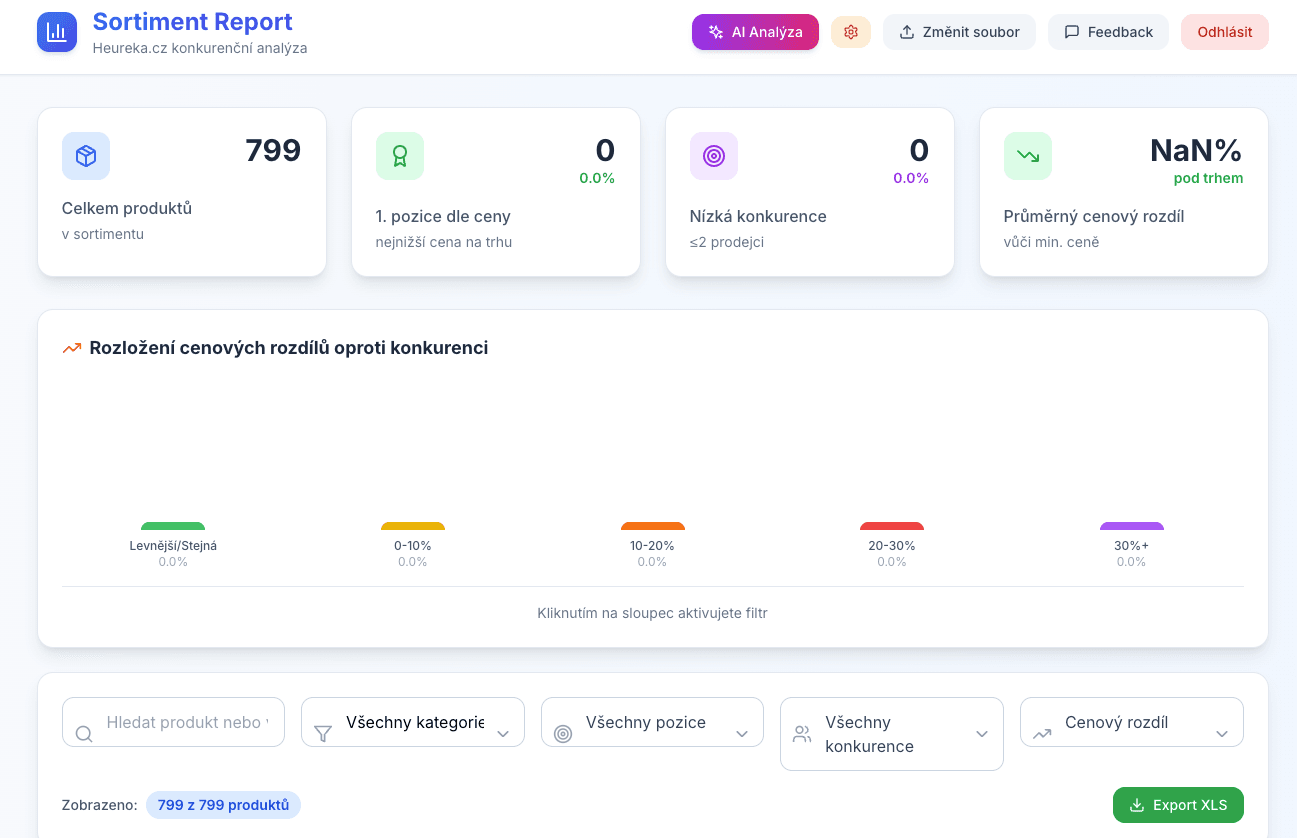
Heureka Sortiment Report
Interactive competitor price analysis from Heureka.cz. Upload your CSV export and instantly see where you're losing customers on price.