Know what to restock on Shoptet — before it sells out
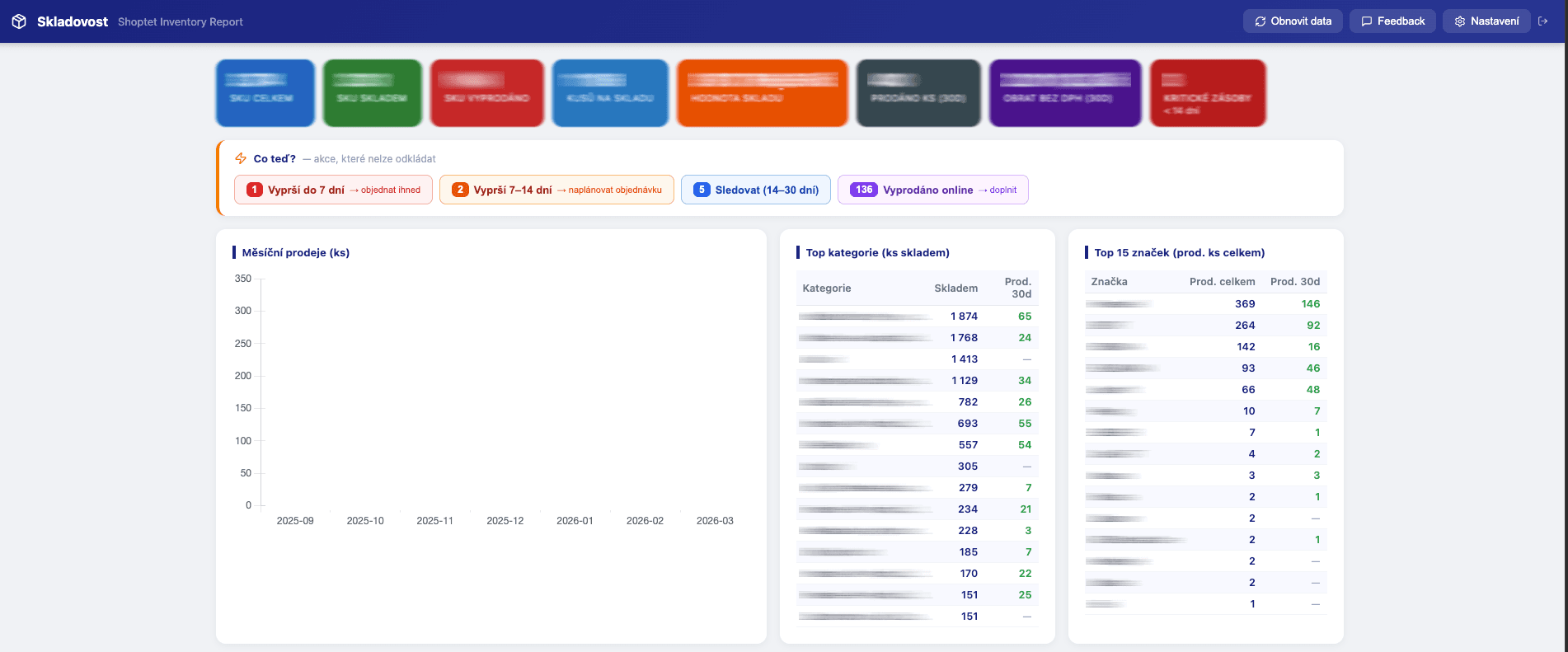
Paste your Shoptet export URLs and get stockout forecasts, restock quantities, ABC analysis, dead stock and demand checks — no add-on, no install, computed in your browser.
Inventory report for Shoptet e-shops. Stockout forecasts, restock recommendations, ABC analysis, dead stock and demand checks — straight from your Shoptet export URLs.
Your data never leaves your browser
Everything runs 100% client-side. Your CSV files and API responses are processed locally and never sent to any server. We have no access to your data — not even technically.
About this tool
Shoptet Inventory Report (Czech: Shoptet Report Skladovosti) is a web app by Adsoptiq that turns the CSV export URLs of a Shoptet e-shop into an interactive inventory report: how many days each product will last, what and how much to reorder, which products make the revenue (ABC), which stock is dead, and where a sales spike is a clearance rather than real demand. It needs no Shoptet add-on and no API access — the shop pastes three export URLs and everything is computed in the browser.
A sold-out bestseller is money lost twice: the missed orders, and the ad budget that keeps sending people to a product they can't buy. An overstocked shelf is money lying dead. Shoptet shows you the stock level — but not how many days it will last at the current sales pace, and that is the one number a purchase order is built on.
You get a 7-tab interactive report: stockout forecast, top sellers, restock recommendations (average pace or seasonal planning from last year's same month), out-of-stock products online and in stores, dead stock, and the full inventory with ABC classes. Every table is filterable by supplier, category, brand or ABC class, and exports exactly what you see to Excel — with EAN and product code in every file.
What's new (September 2026)
• Restock recommendations — order quantity from daily sales pace, lead time and safety stock, plus a seasonal mode that plans a target month from the same month last year scaled by your growth.
• ABC analysis — A/B/C class on every product, with one click from the class card to the list of SKUs.
• Dead stock tab — products on hand with no sale for 30, 60, 90 or 180 days, with the value tied up in them.
• "Check demand" badge — flags a product whose last-7-day sales run far ahead of its long-term pace and says whether it looks like a clearance (action price) or real demand; you choose whether such products count toward restock recommendations.
• Sales for 7, 14, 30, 60 and 90 days on every product.
• Filters by supplier, category, brand and ABC class, and a column picker for every Excel export — EAN and product code are always included.
• Stock health score, daily sales chart, and an average-margin setting that estimates stock value for products without a purchase price.
• Czech, Slovak, Hungarian and English interface.
Running Google Shopping alongside your e-shop? Use the Product Performance Tracker to monitor which products drive conversions in Google Ads.
What's included
- Stockout forecast — days of stock left at the current sales pace, colour-coded: critical (<7 days), warning (<14), stable (30+)
- Restock recommendations — order quantity from daily sales pace, lead time and safety stock
- Seasonal planning — order for a target month from the same month last year, scaled by your year-on-year growth
- ABC analysis — which products make 80 / 15 / 5 % of revenue, with one-click drill-down to the SKUs
- Dead stock — products on hand with no sale for 30, 60, 90 or 180 days, with the value tied up in them
- "Check demand" badge — flags sudden sales spikes and tells clearance (action price) from real demand
- Top sellers with sales for 7, 14, 30, 60 and 90 days
- Out-of-stock products online and in stores — restocking candidates with recent sales history
- Full inventory: code, EAN, supplier, category, brand, stock per location, stock value, margin
- Stock health score, daily and monthly sales charts, top categories and brands
- Filters by supplier, category, brand and ABC class — one purchase order per supplier
- Excel export of every table with a column picker; EAN and product code always included
- Czech, Slovak, Hungarian and English interface
- Connects directly to Shoptet export URLs — data processed locally, never leaves your browser
Who is this for
Frequently asked questions
What is Shoptet Inventory Report?
Shoptet Inventory Report (Shoptet Report Skladovosti) is a web app by Adsoptiq for e-shops running on the Shoptet platform. It reads the shop's CSV export URLs and produces an inventory report with stockout forecasts, restock recommendations, ABC analysis, dead stock and Excel exports. It is not a Shoptet add-on and does not use the Shoptet API.
How much does it cost?
A one-time payment of 119 USD (or 2 499 CZK on the Czech site) for 365 days of access to the web app. No subscription, no limit on the number of products or how often you refresh the report. There is a 7-day money-back guarantee.
How do I get access after payment?
Immediately after payment you receive an email with a personal access link. One click opens the app — no password, no registration.
Do I need a Shoptet add-on or API access?
No. The report reads the CSV export URLs every Shoptet administration provides (Produkty → Export, Objednávky → Export objednávek, optionally Sklad → Export). Nothing is installed in your shop and no API access or partner approval is required.
What data does it need and where do I find it?
Three Shoptet exports: products (with stock columns), orders, and optionally stock statistics for store sales. In Shoptet admin open Produkty → Export, Objednávky → Export objednávek and Sklad → Export, copy each export URL and paste it into the app settings. The orders export should reach back at least 90 days; 13 months or more enables seasonal planning.
How does the stockout forecast work?
Days of stock = current stock divided by the average daily sales pace (last 30 days, falling back to 60, 90 days or all history when a product has no recent sales). Products are colour-coded: critical under 7 days, warning under 14, stable 30 and more.
How does the restock recommendation work?
Average mode: target stock = daily sales pace × (lead time + safety days), and the order quantity is the target minus what is on hand. Seasonal mode: the same calendar month a year ago is the demand baseline, scaled by the shop's year-on-year growth — for shops whose November looks nothing like their February.
What is the "Check demand" badge?
A product gets it when its sales in the last 7 days run at least 5× its long-term pace (days 15–90) with at least 5 units sold. The badge says whether it looks like a clearance (an action price is set) or real demand (regular price). A switch lets you exclude such products from restock recommendations so a discount campaign never looks like a product that needs restocking.
What is dead stock in this report?
Products with stock on hand that have not sold for the selected period — 30, 60, 90 or 180 days — with the total units and value tied up in them. Candidates for a discount, clearance or return to the supplier.
How is this different from the StockSense Shoptet add-on?
StockSense (also by Adsoptiq) is installed from the Shoptet add-on marketplace, syncs automatically every night through the Shoptet API and adds stock-trend history and a made-to-order tab; it is billed monthly through Shoptet. Shoptet Inventory Report is the standalone version: a one-time payment, no add-on, no API, you paste export URLs and refresh whenever you like.
Does it work with multiple store locations?
Yes. The app automatically detects stock columns from your Shoptet export and shows stock per location, plus a separate out-of-stock view for stores.
Is my data safe?
All processing happens in your browser. Your exports are never stored on any server; only the export URLs you enter are kept in your own browser's local storage.
Which languages does the app support?
Czech, Slovak, Hungarian and English — switchable in the app at any time.
Can't find what you need?
We've spent 20+ years building companies, data pipelines, marketing systems, and reporting tools. If you have a specific challenge — reach out. We might already have a solution.
No subscription. Pay once. 365-day access.
7-day money-back guarantee. If the tool doesn't work as described, we'll refund you in full.
Related tools
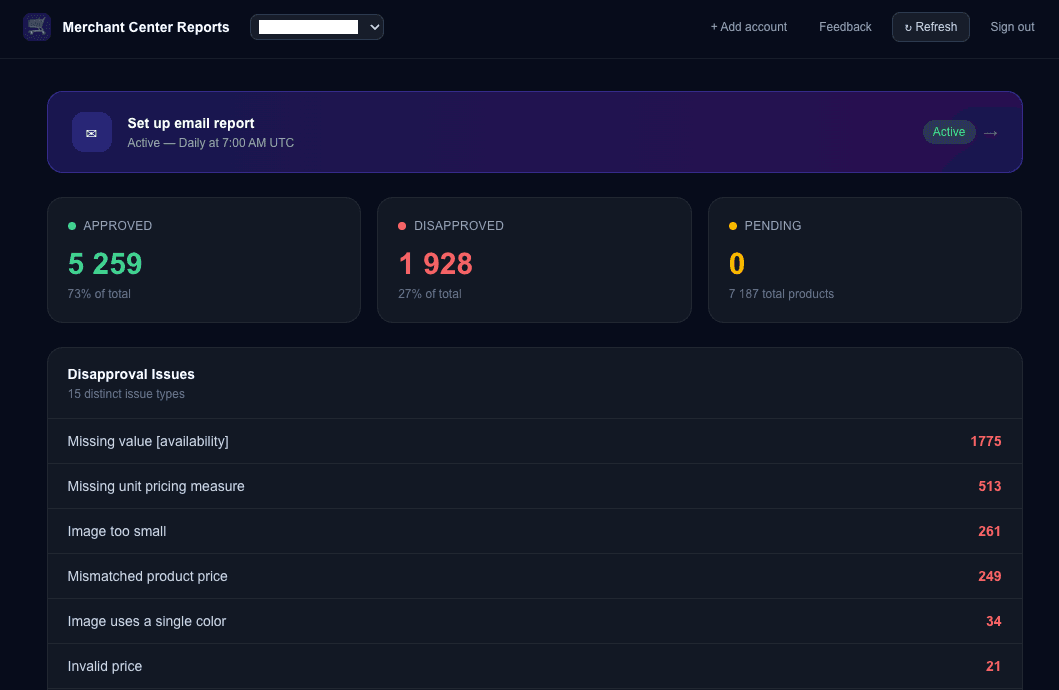
Merchant Center Approval Reports
Automated reports on your Google Merchant Center product approval status. Get scheduled email reports with a full breakdown of approved, disapproved, and pending products across all your accounts.
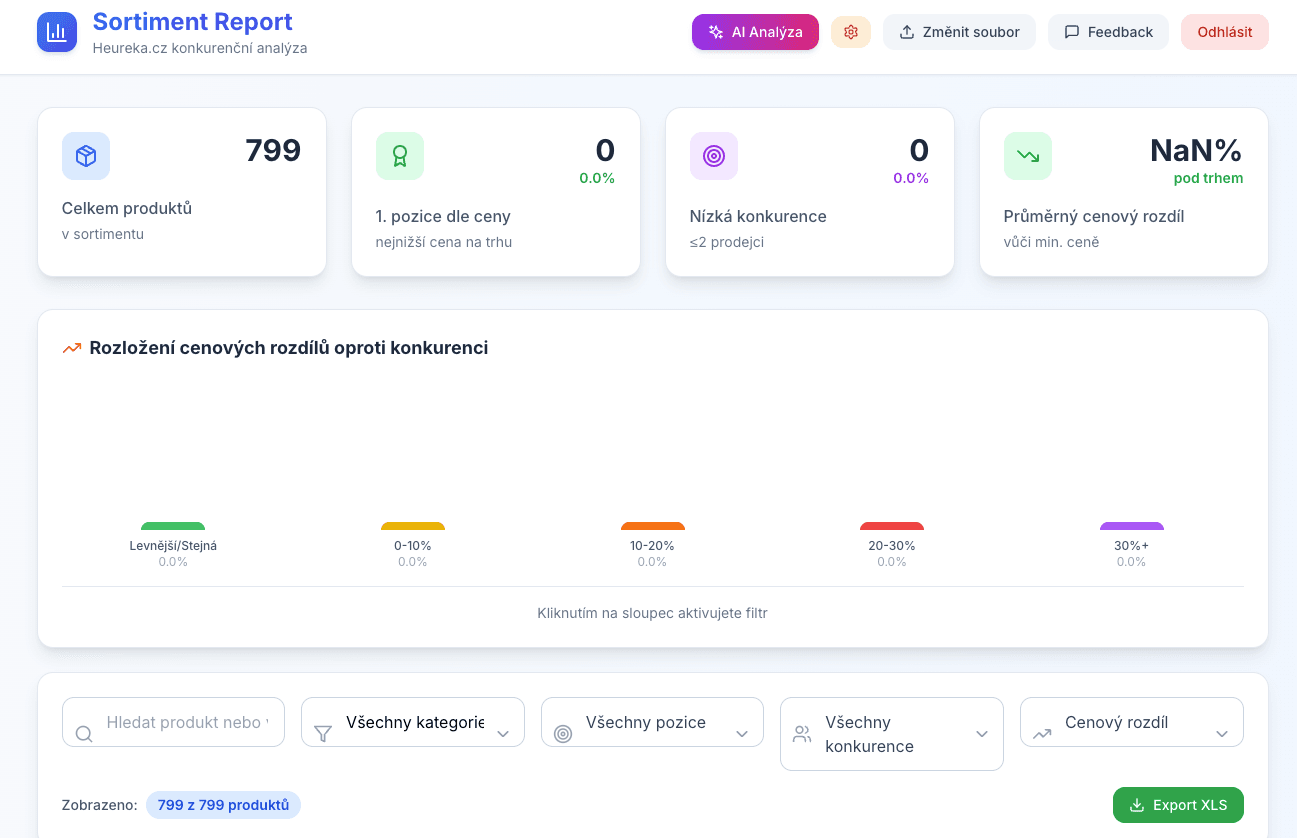
Heureka Sortiment Report
Interactive competitor price analysis from Heureka.cz. Upload your CSV export and instantly see where you're losing customers on price.
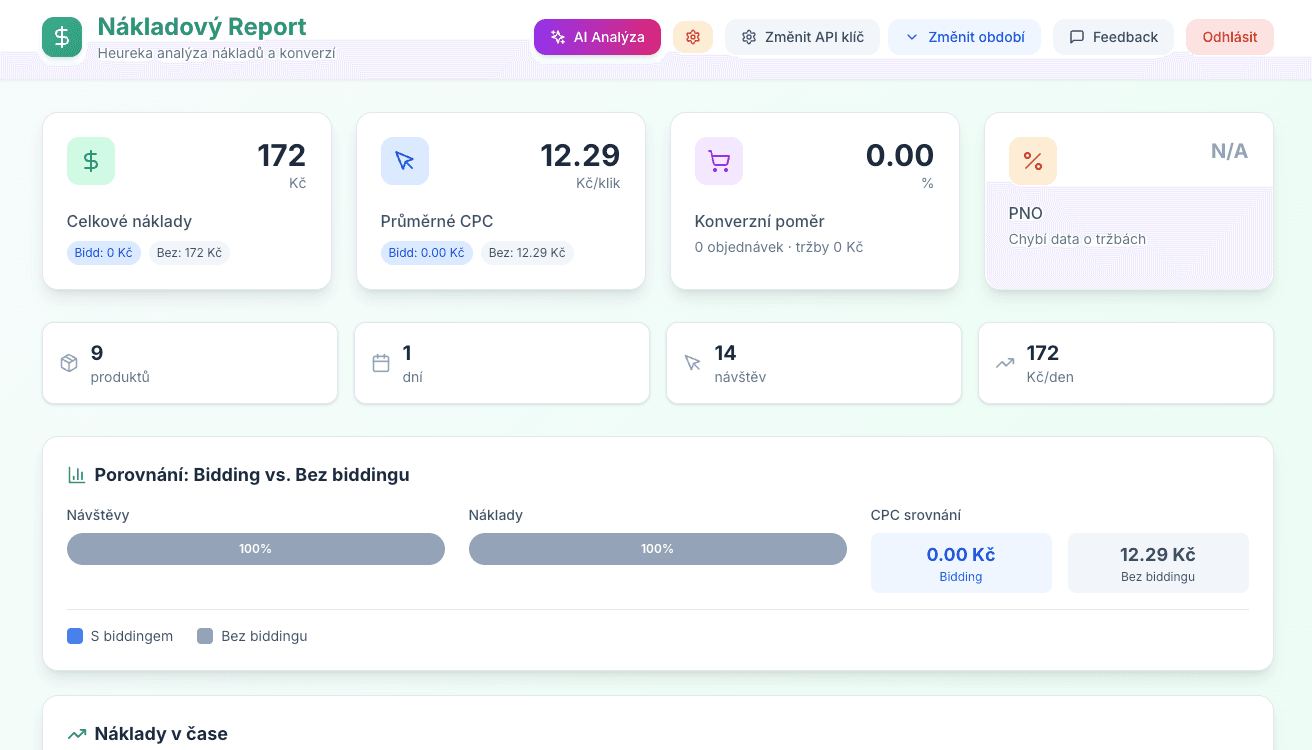
Heureka Cost Report
Cost analysis for Heureka.cz. Breakdown of spend per product, category, and day with optional AI assistance for optimization.
Monthly Ads Monitor
Free Google Ads script that generates monthly performance trends with year-over-year comparison. Automatic dashboard with dynamic filtering and email reports.