Which Heureka products are burning credit with zero orders?
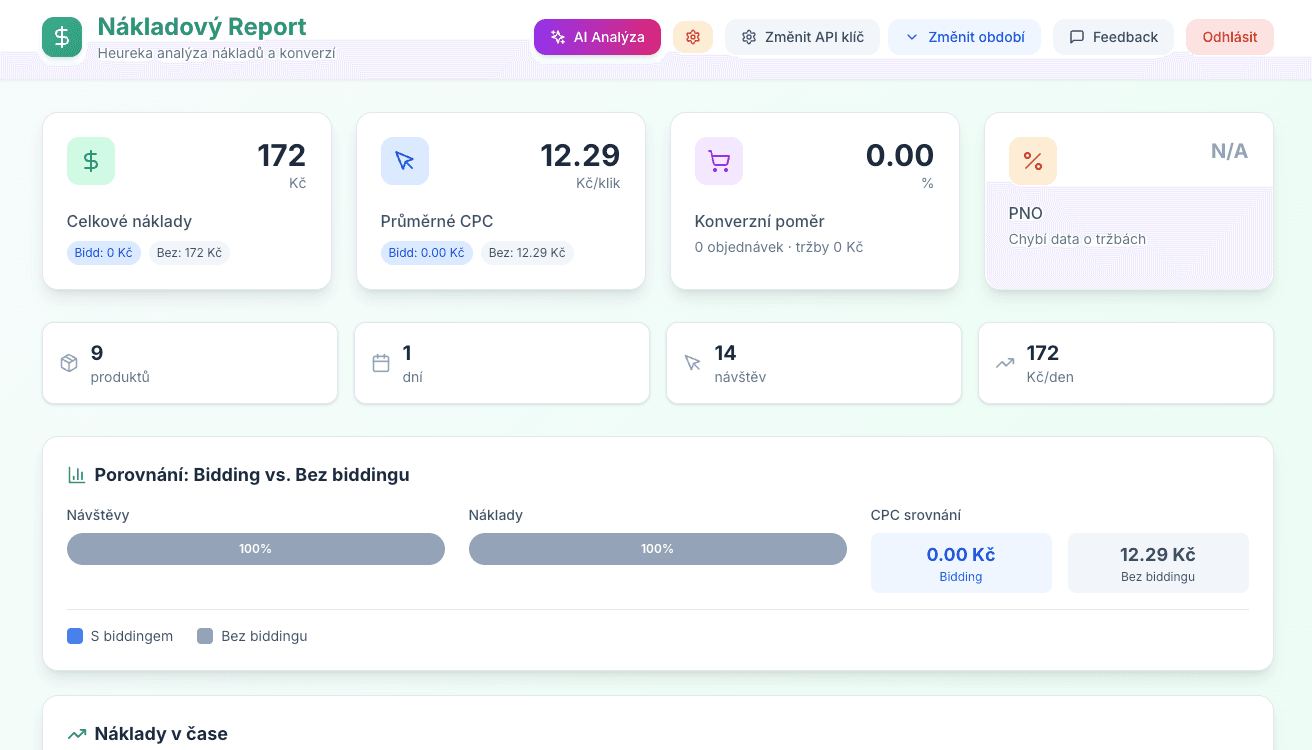
The Cost Report breaks your Heureka spend down by product, category and day — see each item's cost ratio and know exactly where to cut bids and where to push.
Cost analysis for Heureka.cz. Breakdown of spend per product, category, and day with optional AI assistance for optimization.
Your data never leaves your browser
Everything runs 100% client-side. Your CSV files and API responses are processed locally and never sent to any server. We have no access to your data — not even technically.
About this tool
Do you know exactly how much each product costs you on Heureka — and how efficiently your budget is spent? This app gives you a detailed breakdown of costs, orders, revenue, and PNO per product, category, and day.
Two ways to get your data: upload a CSV export directly from Heureka, or connect via your Heureka API key and pull up to 180 days of data with one click — no manual downloading required. You can change the date range or switch API key at any time from the app header.
Category breakdown shows spend, orders, revenue, and PNO for each Heureka category — with category names resolved automatically from Heureka's full category tree, whether you load data via CSV or API.
For each product you see total spend, CPC, conversion rate, total revenue, and a full split between bidded and non-bidded positions. This tells you exactly where bidding is paying off and where you're paying for clicks that don't convert.
Want a deeper insight? Connect your OpenAI API key and get an AI-generated summary of your cost efficiency — which products are draining budget, where conversion is weakest, and what to optimize first.
Pair it with the Heureka Sortiment Report to see how your pricing position compares to competitors on the products you're spending the most on.
What's included
- Two data sources: CSV upload or direct Heureka API connection
- Up to 180 days of historical data via API — no manual exports
- Change date range anytime without losing your settings
- Per-product breakdown: spend, CPC, conversion rate, orders, revenue
- Category table with spend, orders, revenue and PNO — color-coded
- Bidded vs. non-bidded position split for every metric
- Daily cost overview with date range filtering
- Optional AI analysis to identify inefficient spend
- Export filtered data to CSV
- 365-day access from date of purchase
Who is this for
Frequently asked questions
How do I get access after payment?
Immediately after payment you receive an email with a link. One click and you're in the app.
How does the API connection work?
In the app you enter your Heureka API key (found under Statistiky a reporty → API měření konverzí). Then select a date range — up to 180 days back — and the app fetches the data automatically. You can change the period or API key at any time from the header.
Do category names show correctly in API mode?
Yes. The app automatically resolves Heureka category IDs to full category names using Heureka's official category tree — no manual mapping needed.
Where do I get the CSV export?
In Heureka admin: Statistiky a reporty → Přehled o výkonu a nákladech → Generovat.
Do I need an OpenAI API key?
Not for core features. AI analysis is optional — you provide your own key directly in the app.
Can't find what you need?
We've spent 20+ years building companies, data pipelines, marketing systems, and reporting tools. If you have a specific challenge — reach out. We might already have a solution.
No subscription. Pay once. 365-day access.
7-day money-back guarantee. If the tool doesn't work as described, we'll refund you in full.
Related tools
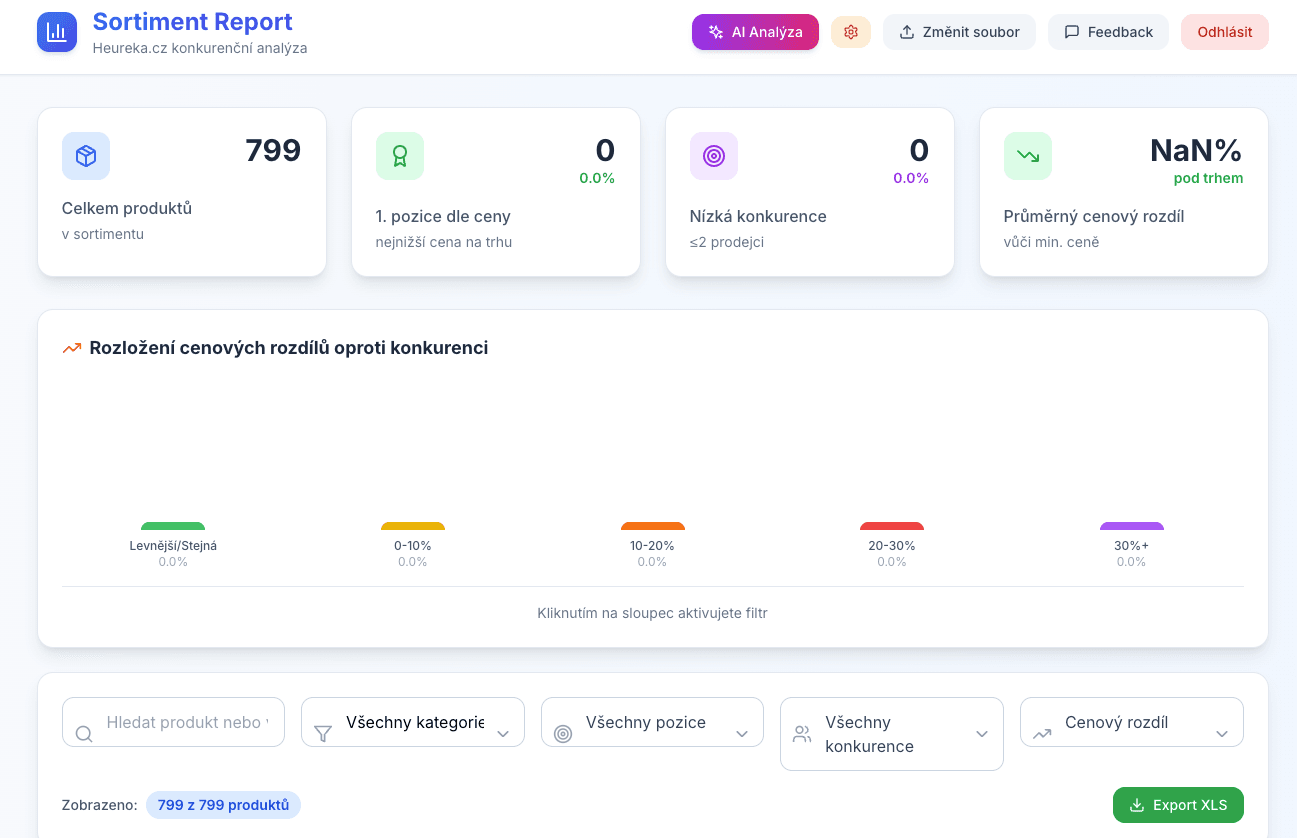
Heureka Sortiment Report
Interactive competitor price analysis from Heureka.cz. Upload your CSV export and instantly see where you're losing customers on price.
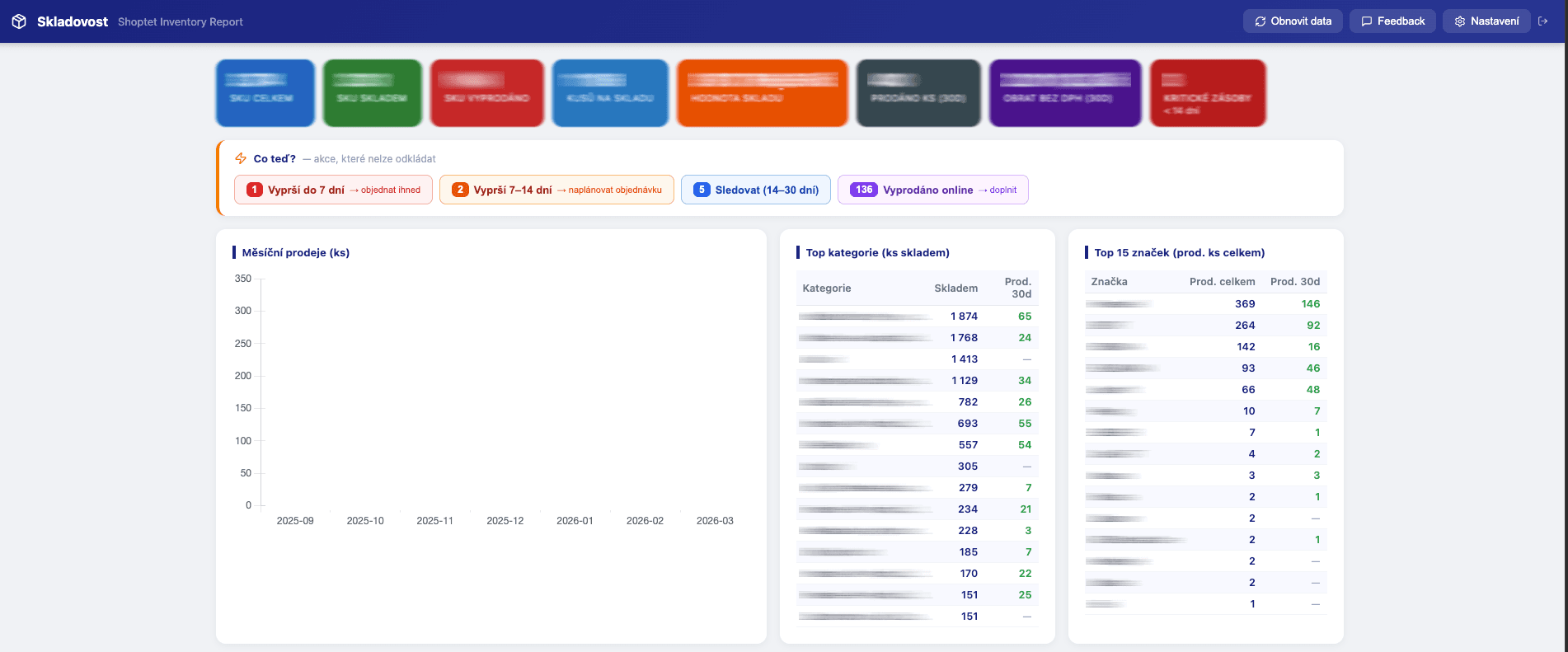
Shoptet Inventory Report
Inventory report for Shoptet e-shops. Stockout forecasts, restock recommendations, ABC analysis, dead stock and demand checks — straight from your Shoptet export URLs.
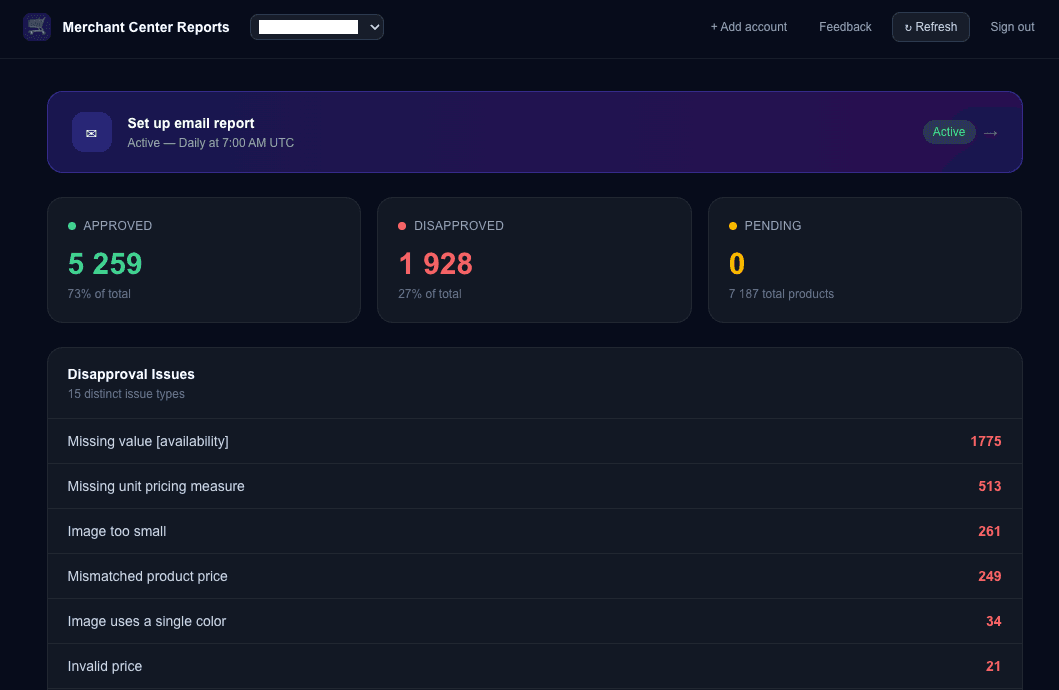
Merchant Center Approval Reports
Automated reports on your Google Merchant Center product approval status. Get scheduled email reports with a full breakdown of approved, disapproved, and pending products across all your accounts.
Monthly Ads Monitor
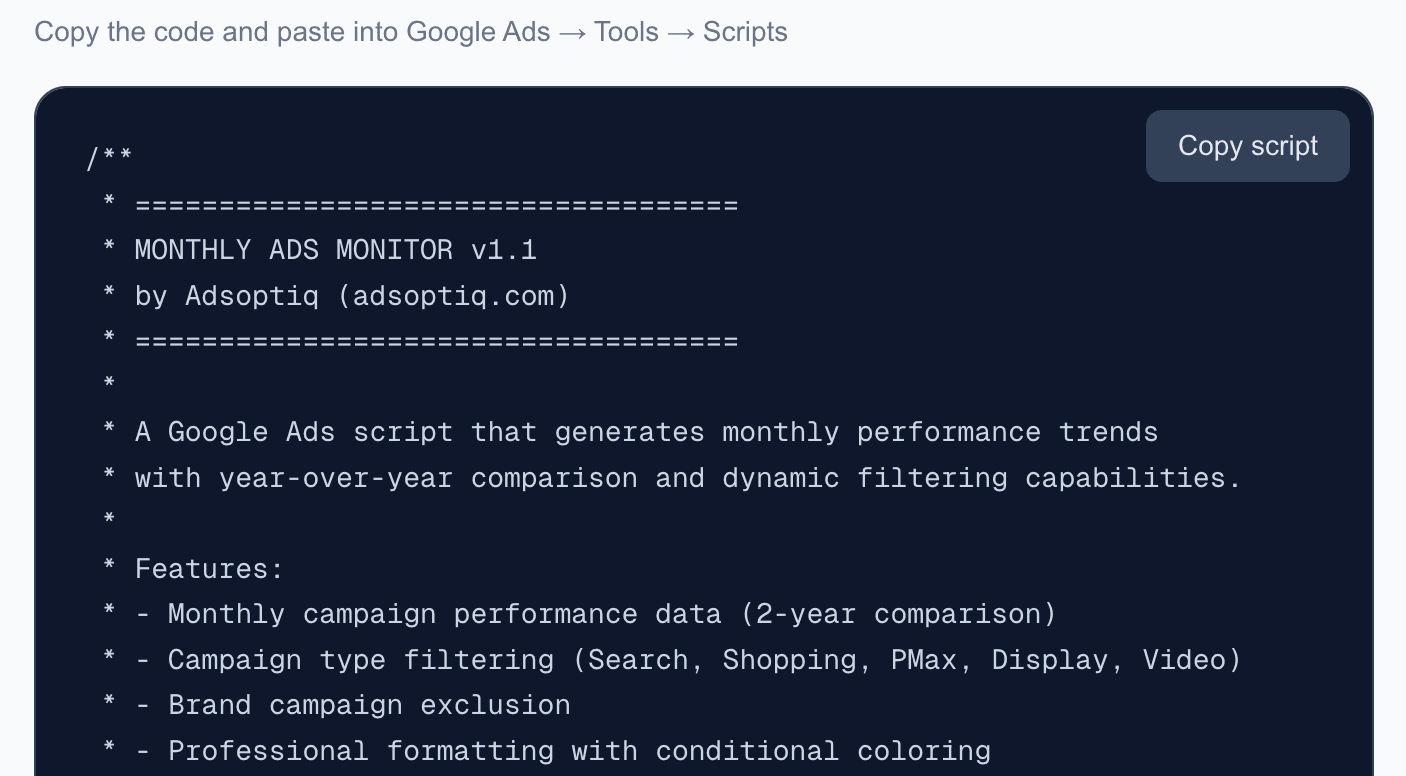
Free Google Ads script that generates monthly performance trends with year-over-year comparison. Automatic dashboard with dynamic filtering and email reports.