Stop bidding the same on bestsellers and zombies
Label every Shopping product by real performance — top performer, clicks-no-sales, impressions-no-clicks or zombie — and push the labels straight to your supplemental feed.
Automatic product labeling for Google Merchant Center. Classify products as top performers, clicks-no-sales, impressions-no-clicks, or zombies — and push labels to your supplemental feed.
Your data never leaves your browser
Everything runs 100% client-side. Your CSV files and API responses are processed locally and never sent to any server. We have no access to your data — not even technically.
About this tool
Are you bidding the same on products that sell like crazy and products that get zero clicks? This tool automatically labels every product in your Google Merchant Center based on real performance data — so you can bid smarter, not harder.
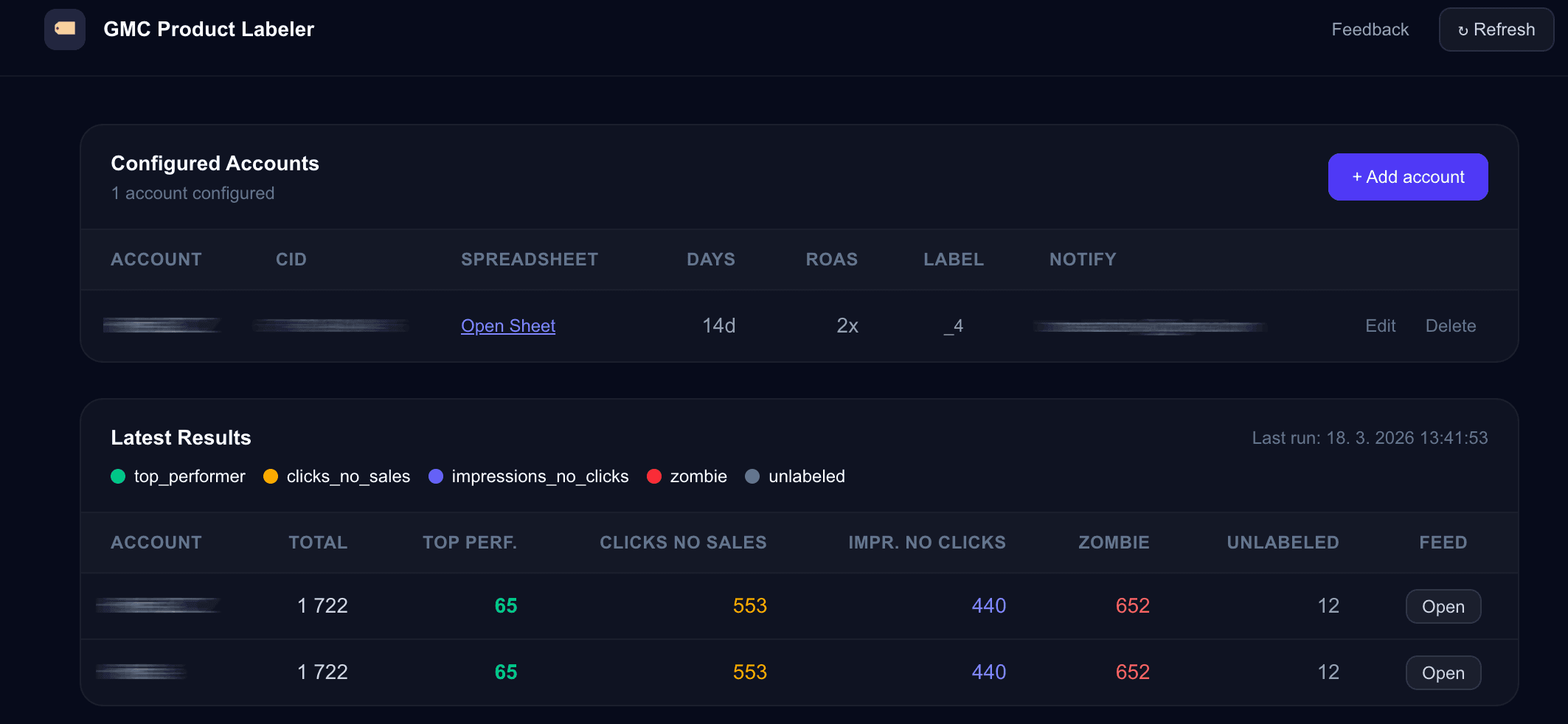
Connect your Google Ads account, and the app classifies each product into one of five categories: top performer, clicks but no sales, impressions but no clicks, zombie (no impressions at all), or unlabeled. Labels are written to a Google Sheet that serves as a Merchant Center supplemental feed via custom_label_4.
Use these labels in your Google Ads campaigns to set different bids, exclude zombie products, or create dedicated campaigns for your best sellers. The labeling runs via a Google Ads Script that you copy from the dashboard — no API setup, no coding required.
Supports multiple Merchant Center accounts under one subscription — ideal for agencies managing several clients.
Keep your feed healthy too — use the Merchant Center Control Script to get alerts when disapprovals spike, and the Product Performance Tracker for free month-over-month Shopping analysis.
What's included
- Automatic product classification based on real performance data
- Five label categories: top performer, clicks no sales, impressions no clicks, zombie, unlabeled
- Labels pushed to Google Sheet as Merchant Center supplemental feed (custom_label_4)
- Ready-to-use Google Ads Script — just copy and paste
- Dashboard with labeling results and account overview
- Support for multiple Merchant Center accounts
- Customizable performance thresholds for labeling
- Use labels to optimize bids, exclude zombies, or create segmented campaigns
- No API keys or coding required — script does everything
- 365-day access from date of purchase
Who is this for
Frequently asked questions
How do I get access after payment?
Immediately after payment you receive an email with a magic link. Click it to open the dashboard and start setting up your accounts.
How does the labeling work?
You copy a Google Ads Script from the dashboard into your Google Ads account. The script analyzes product performance data, assigns labels, and writes them to a Google Sheet. That sheet is connected to Merchant Center as a supplemental feed.
What labels are assigned?
Products are classified as: top_performer (high clicks + sales), clicks_no_sales (clicks but no conversions), impressions_no_clicks (shown but not clicked), zombie (zero impressions), or unlabeled (new or insufficient data).
Can I customize the labeling thresholds?
Yes. You can adjust the performance thresholds that determine when a product is considered a top performer, zombie, etc.
How do I use the labels in Google Ads?
Once the supplemental feed is connected, custom_label_4 appears in your Shopping campaigns. Use it to set bid adjustments, create product groups, or exclude underperforming segments.
Can I label products across multiple accounts?
Yes. You can connect multiple Merchant Center accounts and label products in each one separately.
Can't find what you need?
We've spent 20+ years building companies, data pipelines, marketing systems, and reporting tools. If you have a specific challenge — reach out. We might already have a solution.
No subscription. Pay once. 365-day access.
7-day money-back guarantee. If the tool doesn't work as described, we'll refund you in full.
Related tools
Merchant Center Control Script
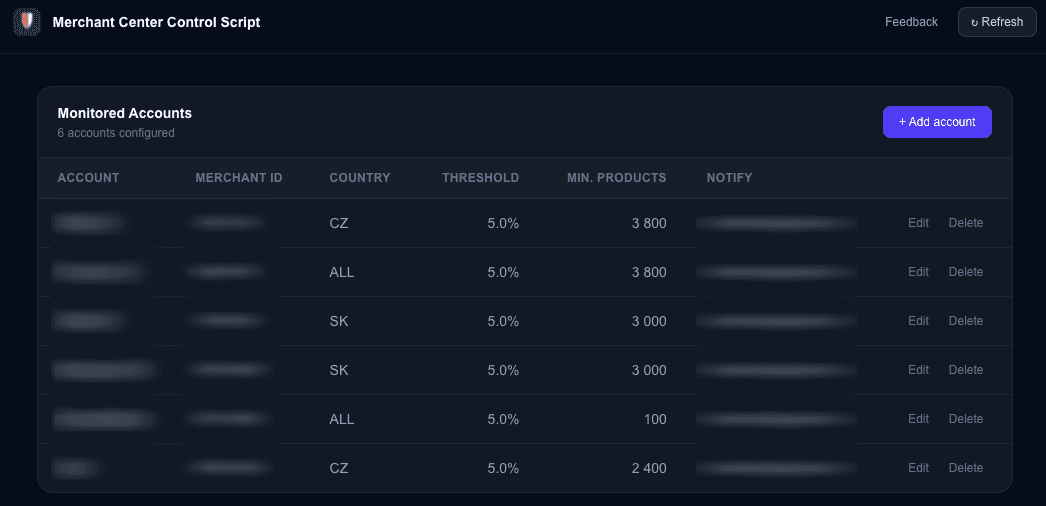
Monitor your Google Merchant Center product approval status. Get alerted when disapproval rates exceed your thresholds or product counts drop below minimum.
Merchant Center Approval Reports
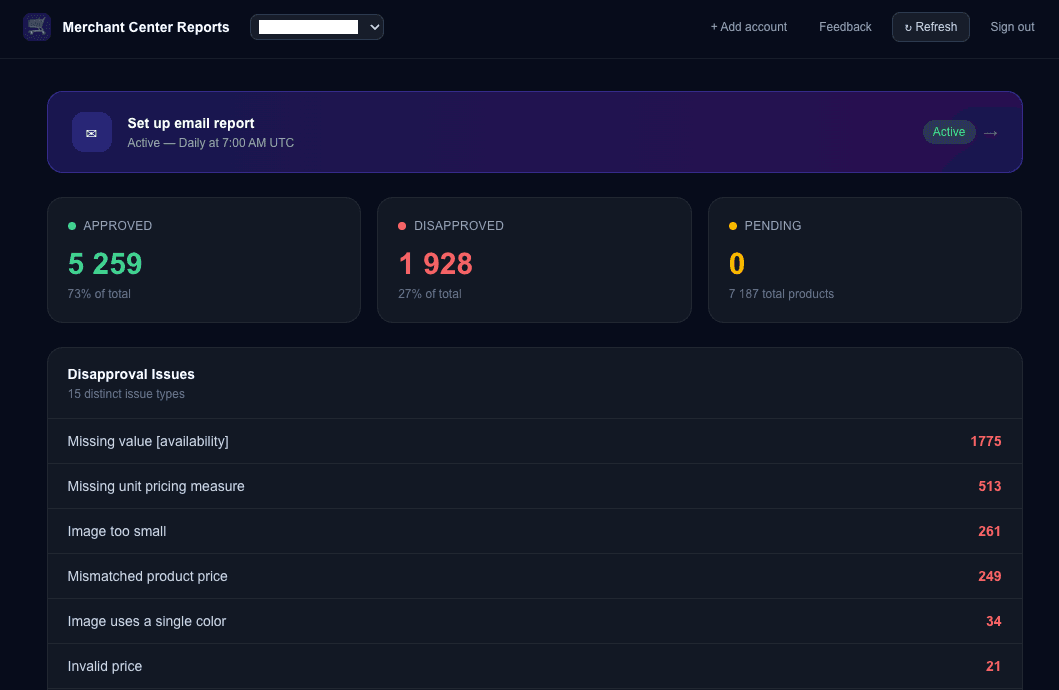
Automated reports on your Google Merchant Center product approval status. Get scheduled email reports with a full breakdown of approved, disapproved, and pending products across all your accounts.
Monthly Ads Monitor
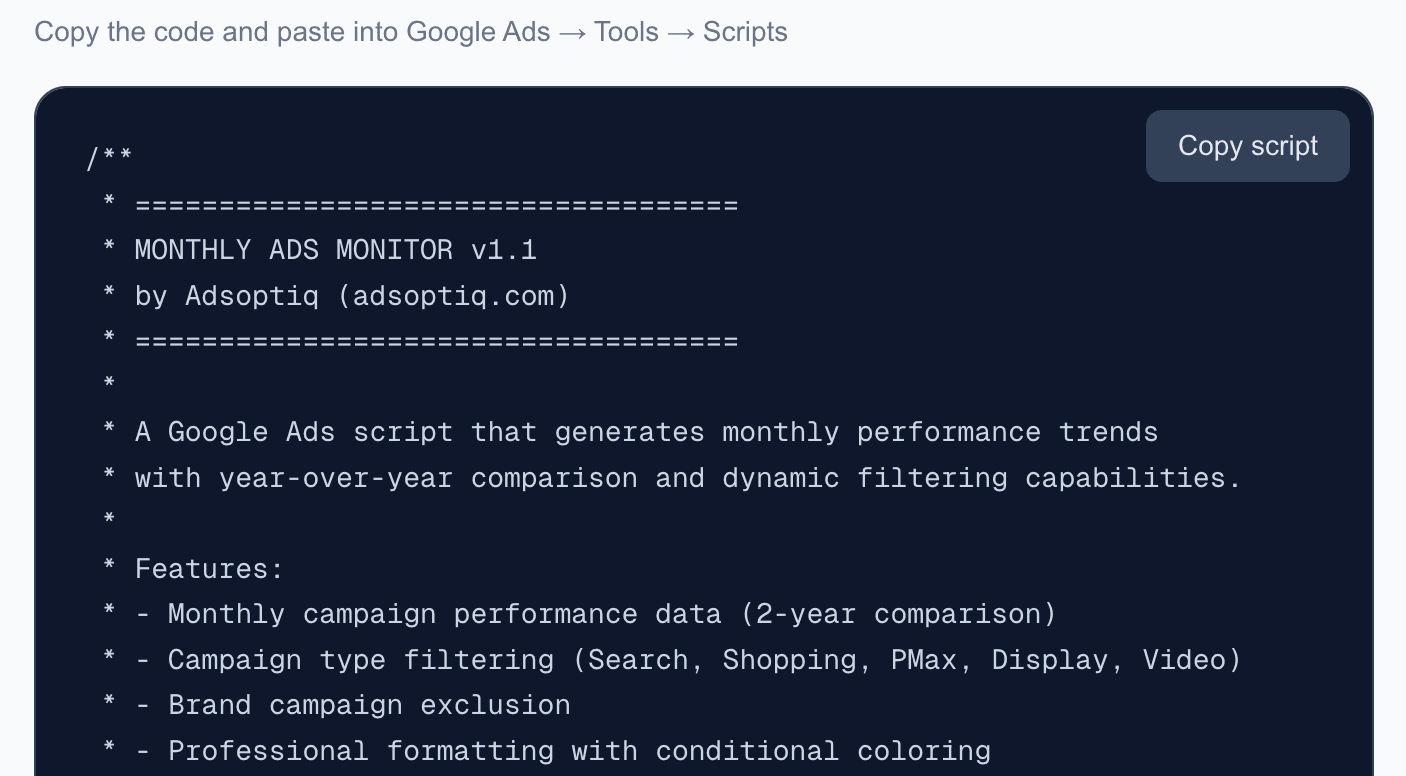
Free Google Ads script that generates monthly performance trends with year-over-year comparison. Automatic dashboard with dynamic filtering and email reports.
Weekly Ads Monitor
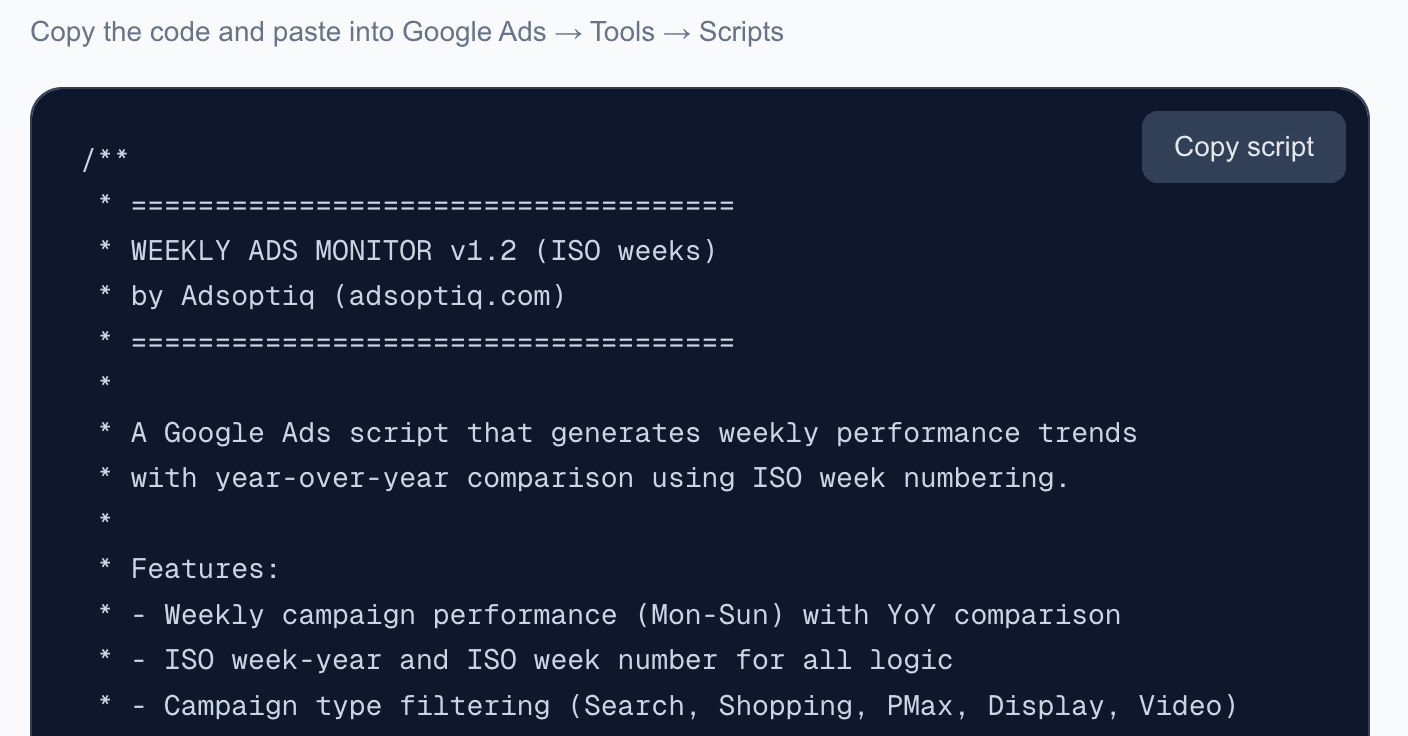
Free Google Ads script that generates weekly performance trends with ISO week-based year-over-year comparison. Automatic dashboard with dynamic filtering and email reports.