Spot Google Ads trends week by week — with true ISO-week YoY comparison
A free script that builds a weekly dashboard comparing this year to last, with live campaign filters and Monday email reports. Copy, paste, schedule.
Free Google Ads script that generates weekly performance trends with ISO week-based year-over-year comparison. Automatic dashboard with dynamic filtering and email reports.
Your data never leaves your browser
Everything runs 100% client-side. Your CSV files and API responses are processed locally and never sent to any server. We have no access to your data — not even technically.
About this tool
Need to see how your Google Ads campaigns perform week by week — and compare this year to last year at the weekly level? This free script automates it completely.
Paste the script into Google Ads Scripts, run it, and you get a professional spreadsheet dashboard with ISO week-based data for the current and previous year, year-over-year index comparison, and live filters for campaign type and brand exclusion.
The script uses proper ISO 8601 week numbering (Monday to Sunday), so Week 1 always aligns correctly across years. Every metric — clicks, CPC, cost, conversions, conversion value, and ROAS — is shown for both years with a color-coded YoY index. Green means growth, red means decline.
All formulas are locale-safe and work in any Google Sheets language. Filters update all numbers instantly — no macros, no add-ons needed.
Optionally, the script sends an email summary after each run with last week's key metrics and a link to the spreadsheet. Schedule it to run every Monday and you'll always start the week with fresh performance data.
Prefer monthly aggregation? Check the Monthly Ads Monitor for calendar-month YoY trends. Or run a full Google Ads Audit to catch issues across your entire account.
What's included
- ISO week-based performance data with YoY comparison
- Proper ISO 8601 week numbering (Mon-Sun, cross-year safe)
- Color-coded YoY index: green = growth, red = decline
- Dynamic campaign type filter (Search, Shopping, PMax, Display, Video)
- Brand campaign exclusion toggle
- Conversion value by conversion time tracking
- ROAS by conversion time analysis
- Locale-safe formulas (works in any Google Sheets language)
- Optional email report with last week's summary
- Professional formatting with conditional coloring
- 100% free — no payment, no registration, no limits
Who is this for
Get the script
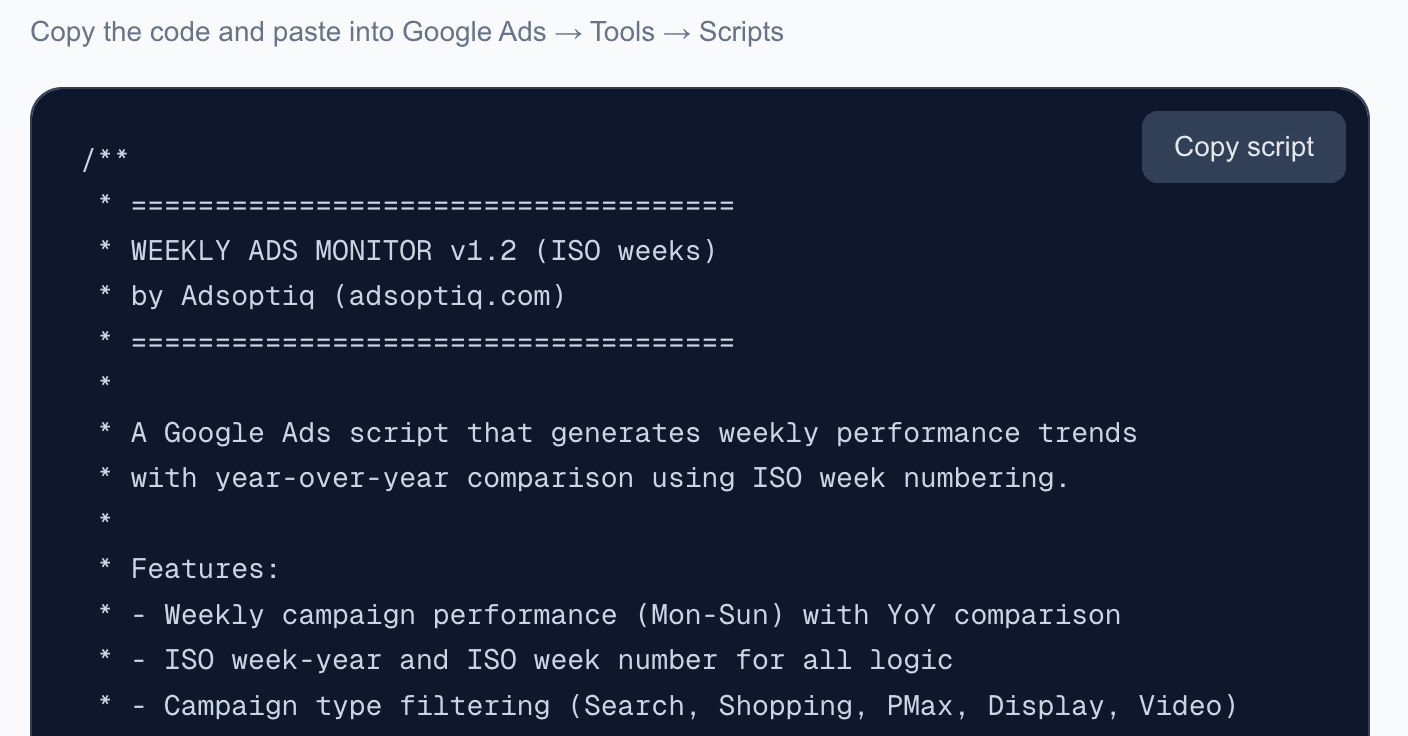
Copy the code and paste into Google Ads → Tools → Scripts
Frequently asked questions
How do I install this script?
Copy the script code from this page. In Google Ads, go to Tools & Settings > Bulk Actions > Scripts > New script. Paste the code, fill in the CONFIG section (spreadsheet URL, optional email), authorize, and run.
Is this really free?
Yes, 100% free. No payment, no registration, no limits. Copy the code and use it as you like.
What is ISO week numbering?
ISO 8601 defines weeks as Monday to Sunday. Week 1 is the week containing the first Thursday of the year. This ensures consistent week-over-week comparison across years.
How often should I schedule it?
Once a week, ideally on Monday. The script automatically processes data up to the last complete week (Mon-Sun).
Does it work with any Google Sheets locale?
Yes. The script detects your spreadsheet's locale and uses the correct formula separator (comma for English, semicolon for European locales).
What's the difference between this and the Monthly Ads Monitor?
The Monthly Ads Monitor aggregates data by calendar month. The Weekly Ads Monitor uses ISO weeks for more granular, week-level analysis. Use both together for complete coverage.
Can't find what you need?
We've spent 20+ years building companies, data pipelines, marketing systems, and reporting tools. If you have a specific challenge — reach out. We might already have a solution.
Free. No registration. No limits.
Related tools
Monthly Ads Monitor
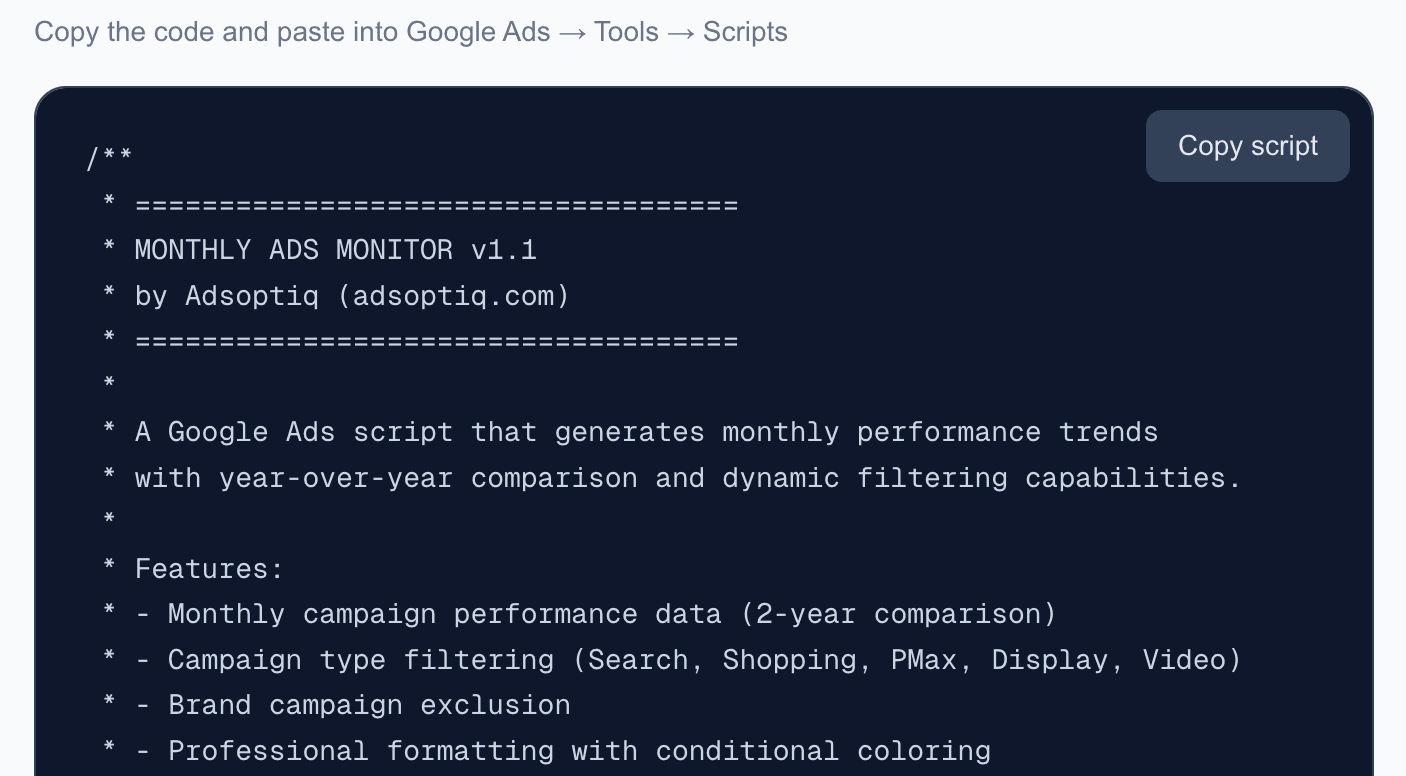
Free Google Ads script that generates monthly performance trends with year-over-year comparison. Automatic dashboard with dynamic filtering and email reports.
Product Performance Tracker
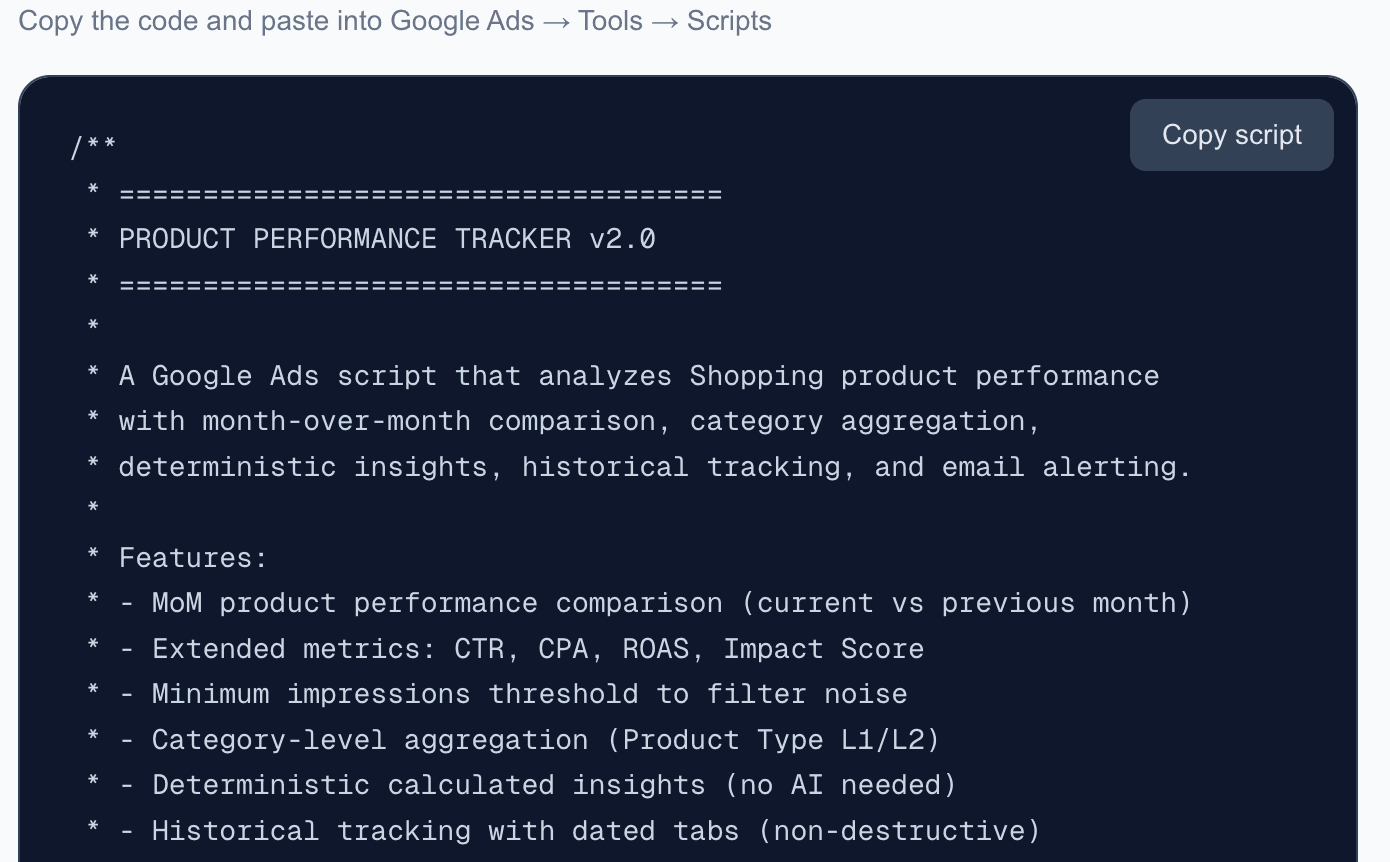
Free Google Ads script that analyzes Shopping product performance with month-over-month comparison, category aggregation, deterministic insights, trend tracking, and email alerts.
Google Ads Audit Script
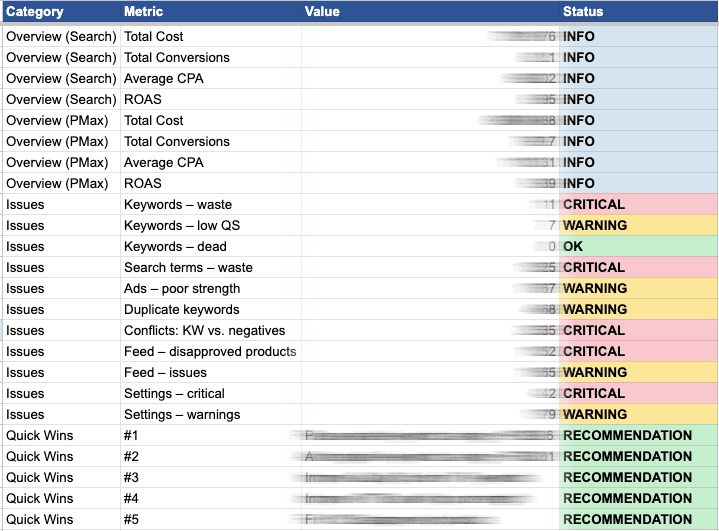
Free Google Ads script that runs a comprehensive audit of your account — Search, PMax, Shopping feed, and settings — and outputs an 11-tab Google Sheet report with account-level overview, actionable findings, and Quick Wins.
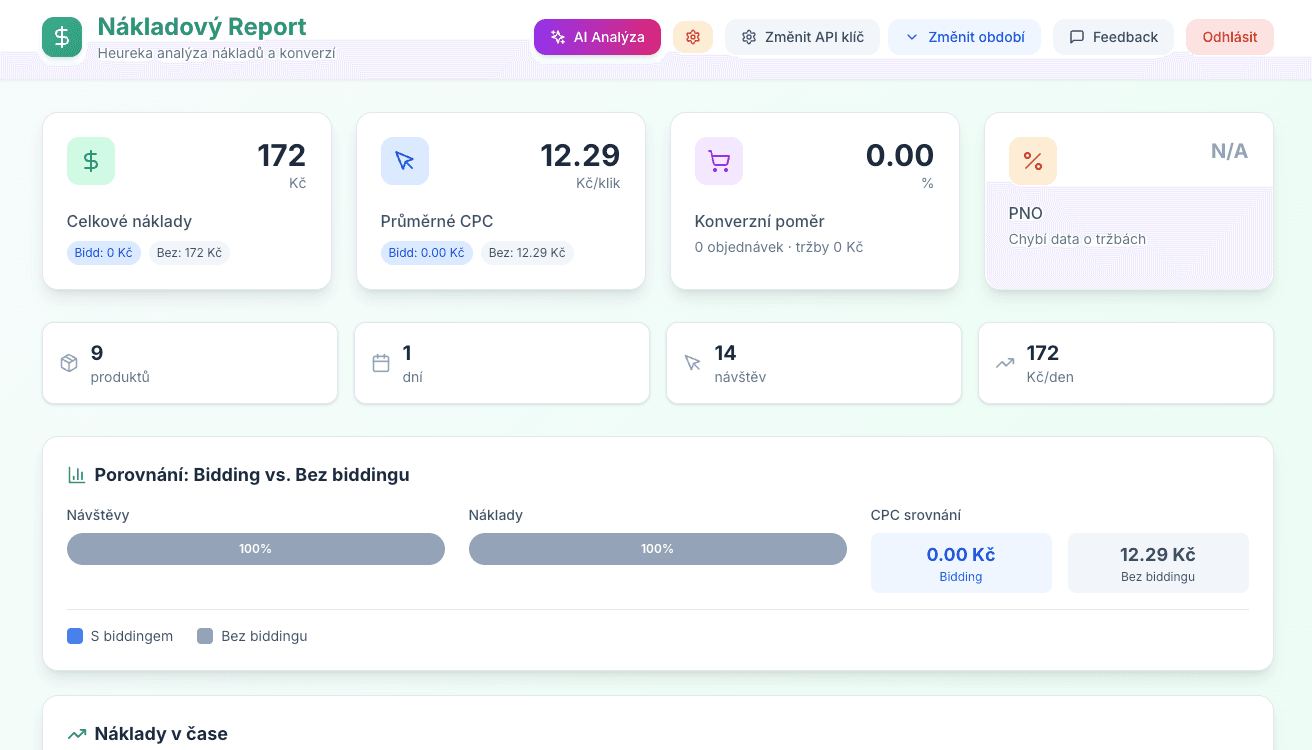
Heureka Cost Report
Cost analysis for Heureka.cz. Breakdown of spend per product, category, and day with optional AI assistance for optimization.