A full Google Ads audit in minutes — without hiring an agency
One free script checks Search, PMax, Shopping feed and settings, then builds an 11-tab report with color-coded findings and Quick Wins.
Free Google Ads script that runs a comprehensive audit of your account — Search, PMax, Shopping feed, and settings — and outputs an 11-tab Google Sheet report with account-level overview, actionable findings, and Quick Wins.
Your data never leaves your browser
Everything runs 100% client-side. Your CSV files and API responses are processed locally and never sent to any server. We have no access to your data — not even technically.
About this tool
Want a full health check of your Google Ads account without hiring an agency? This free script audits everything — Search keywords, search terms, RSA ads, PMax asset groups, Shopping feed, conversion setup, and campaign settings — in a single run.
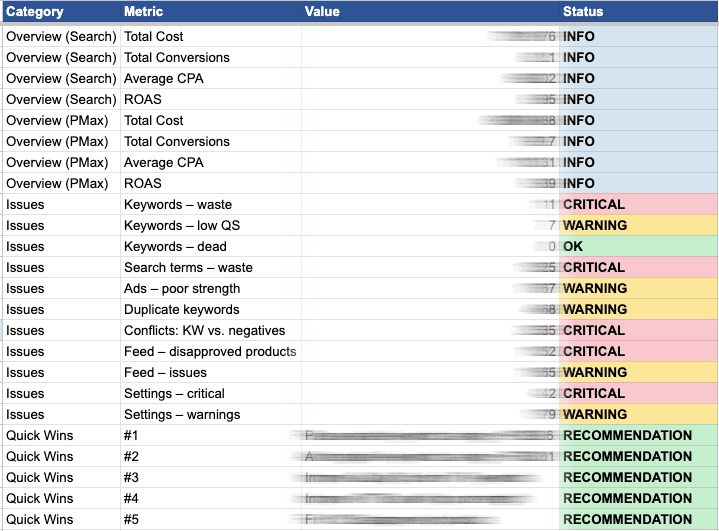
Paste the script into Google Ads Scripts, point it at an empty Google Sheet, and hit Run. Within minutes you get an 11-tab report covering every major area of your account. Each tab has color-coded flags so you can immediately see what needs attention.
The Executive Summary tab starts with an account-level overview — total cost, conversions, CPA, and ROAS across all campaign types, broken down by channel (Search, PMax, Shopping, Video, Display, etc.) with cost share percentages. Spend in campaign types not covered by the detailed tabs is flagged separately so nothing slips through. Below the overview you get Search and PMax summaries, a categorized list of issues (critical, warning, OK), and a Quick Wins section with estimated savings.
Search analysis covers keyword waste (high cost, zero conversions), low Quality Scores, dead keywords (enabled keywords with zero impressions, detected via a separate no-date-filter query), duplicate keywords across ad groups, and match-type-aware conflicts between active keywords and negative keywords (exact, phrase, and broad match logic). Keywords with CPA more than 2× the account average are flagged. Duplicates and conflicts are reported on dedicated tabs for easy review. Search terms are analyzed for wasted spend with specific negative keyword recommendations.
RSA ads are checked for ad strength, headline/description count, pinning usage, and ad group coverage. PMax asset groups are audited against Google's minimum and recommended asset counts.
Shopping feed analysis deduplicates products across feed variants (merchant × channel × language × feed label) and merges product status with performance data — flagging disapproved products, zero-impression items, and high-spend zero-conversion products. A separate issues tab lists every Merchant Center warning.
The Settings tab audits auto-tagging, conversion action configuration (counting type, attribution model), network targeting, geo targeting, budget limitations (with lost impression share data), ad rank issues, and ad extension coverage per campaign (including account-level assets).
The CONFIG section lets you filter Shopping products by channel, language, and feed label to avoid duplicate rows from multi-country feeds. You can also set the spreadsheet locale (default cs_CZ) for proper number formatting.
After the audit, keep your account healthy with the Monthly Ads Monitor for ongoing YoY trend tracking and the Product Performance Tracker for Shopping product-level insights.
What's included
- Full account audit in a single script run
- 11-tab Google Sheet report with color-coded findings
- Report header with account name, currency, audit period, and generation timestamp
- Account-level overview: cost, conversions, CPA, ROAS by channel type with cost share
- Executive Summary with issue counts and Quick Wins with estimated savings
- Search keywords: waste, low QS, dead keywords, duplicates, high CPA detection
- Dead keyword detection via separate no-date-filter query (catches true zero-impression keywords)
- Match-type-aware negative keyword conflict detection (exact, phrase, broad)
- Dedicated Duplicates and Conflicts tabs for easy review
- Search term waste analysis with negative keyword recommendations
- RSA ad strength, headline count, pinning, and ad group coverage
- PMax asset group audit against minimum and recommended counts with performance labels
- Shopping feed deduplication across feed variants (multi-country/multi-merchant)
- Shopping feed: disapproved products, zero-impression items, waste
- Merchant Center issue listing per product
- Settings audit: auto-tagging, conversions, geo, networks, extensions, impression share, ad rank
- Account-level asset detection (extensions defined at customer level)
- Search impression share and lost IS (budget + rank) per campaign
- Configurable lookback period, cost threshold, QS threshold, and Shopping feed filters
- Configurable spreadsheet locale for proper number formatting
- 100% free — no payment, no registration, no limits
Who is this for
Get the script
Copy the code and paste into Google Ads → Tools → Scripts
Frequently asked questions
How do I install this script?
Copy the script code from this page. In Google Ads, go to Tools & Settings > Bulk Actions > Scripts > New script. Paste the code, set your Google Sheet URL in the CONFIG section, authorize, and run.
Is this really free?
Yes, 100% free. No payment, no registration, no limits. Copy the code and use it in as many accounts as you want.
How long does the audit take to run?
Depends on account size. Small accounts finish in 1-2 minutes. Large accounts with 50,000+ products may take up to the Google Ads Scripts 30-minute limit.
What does the script check?
Everything: Search keywords (waste, QS, duplicates, negative conflicts), search terms, RSA ads, PMax asset groups, Shopping feed status and performance, conversion actions, campaign settings (networks, geo, budget, extensions), and auto-tagging.
Can I customize the thresholds?
Yes. The CONFIG section at the top lets you set the lookback period (default 90 days), cost threshold for flagging waste, Quality Score warning threshold, row limits for large accounts, Shopping product filters (channel, language, feed label), and spreadsheet locale.
Does it work for accounts without Shopping or PMax?
Yes. The script gracefully handles missing campaign types — if you only run Search campaigns, the Shopping and PMax tabs will simply be empty.
Can't find what you need?
We've spent 20+ years building companies, data pipelines, marketing systems, and reporting tools. If you have a specific challenge — reach out. We might already have a solution.
Free. No registration. No limits.
Related tools
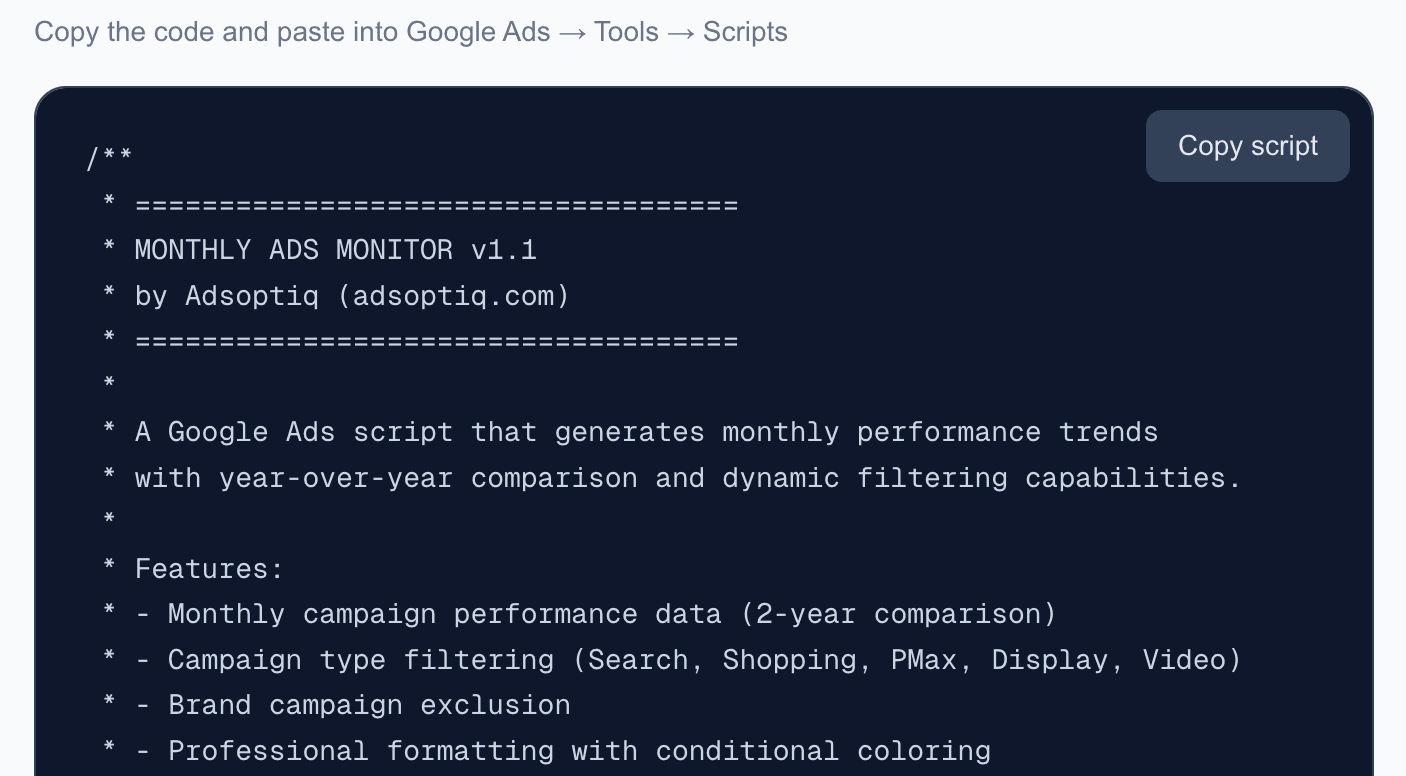
Monthly Ads Monitor
Free Google Ads script that generates monthly performance trends with year-over-year comparison. Automatic dashboard with dynamic filtering and email reports.
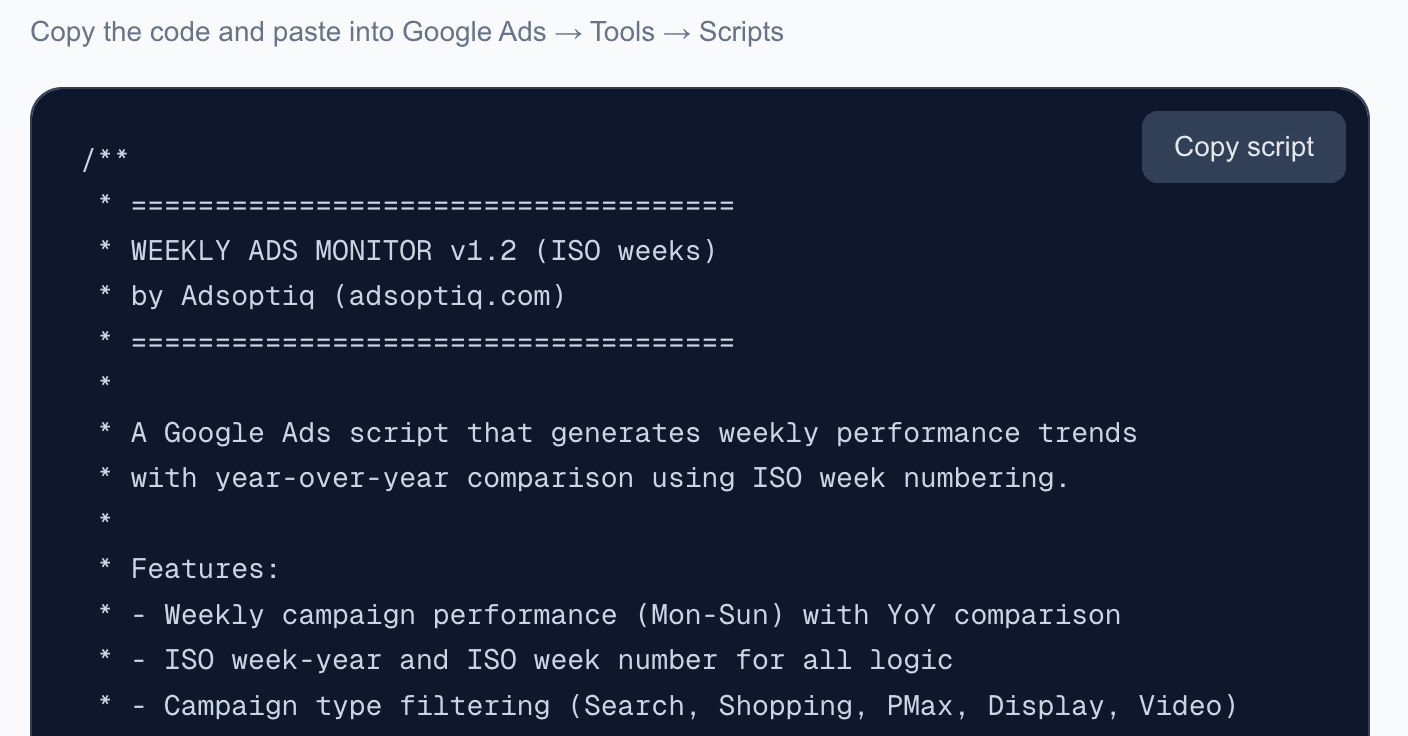
Weekly Ads Monitor
Free Google Ads script that generates weekly performance trends with ISO week-based year-over-year comparison. Automatic dashboard with dynamic filtering and email reports.
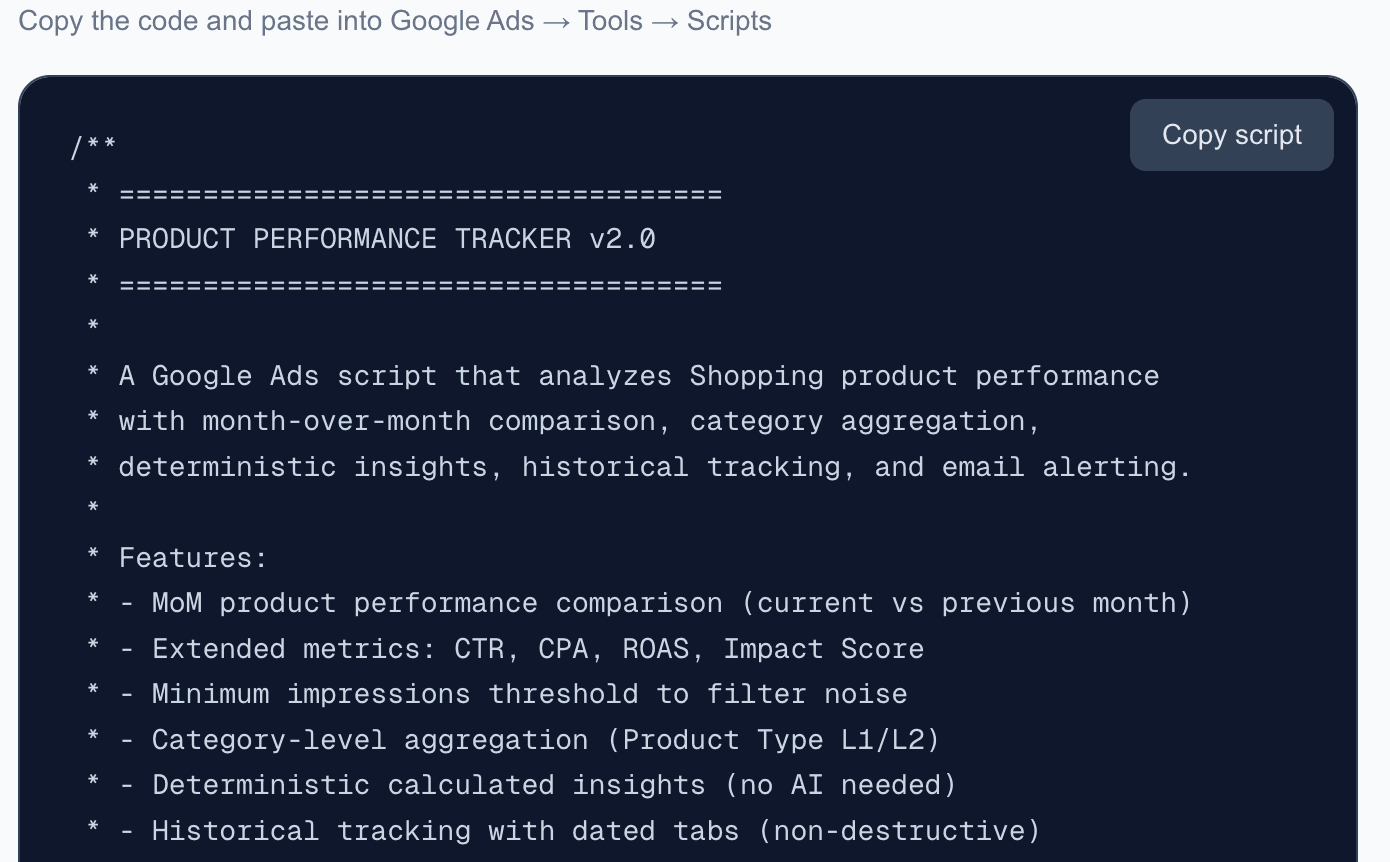
Product Performance Tracker
Free Google Ads script that analyzes Shopping product performance with month-over-month comparison, category aggregation, deterministic insights, trend tracking, and email alerts.
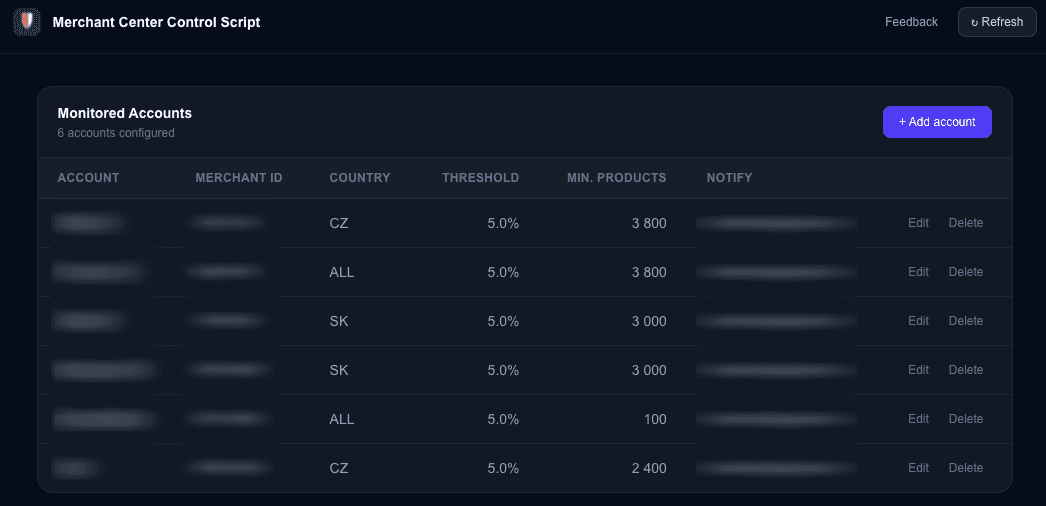
Merchant Center Control Script
Monitor your Google Merchant Center product approval status. Get alerted when disapproval rates exceed your thresholds or product counts drop below minimum.